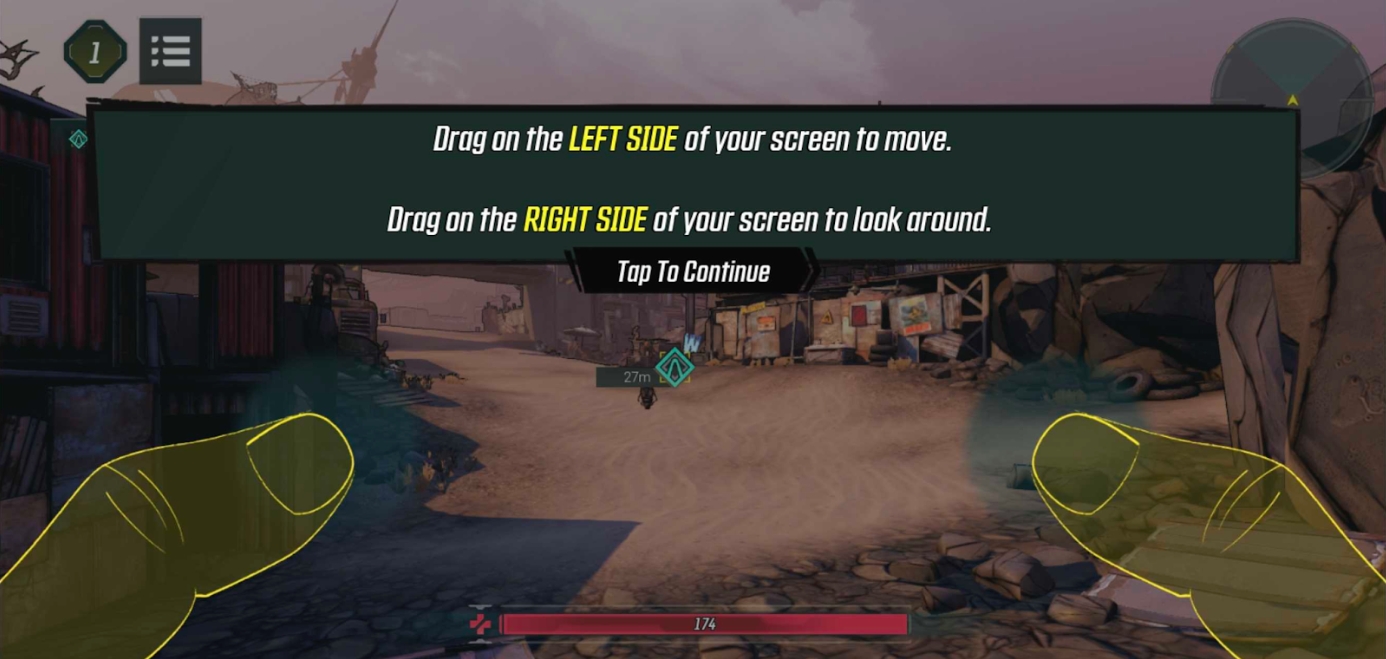
Drag on the left side of the screen to move, and drag on the right side of the screen to pan your view.
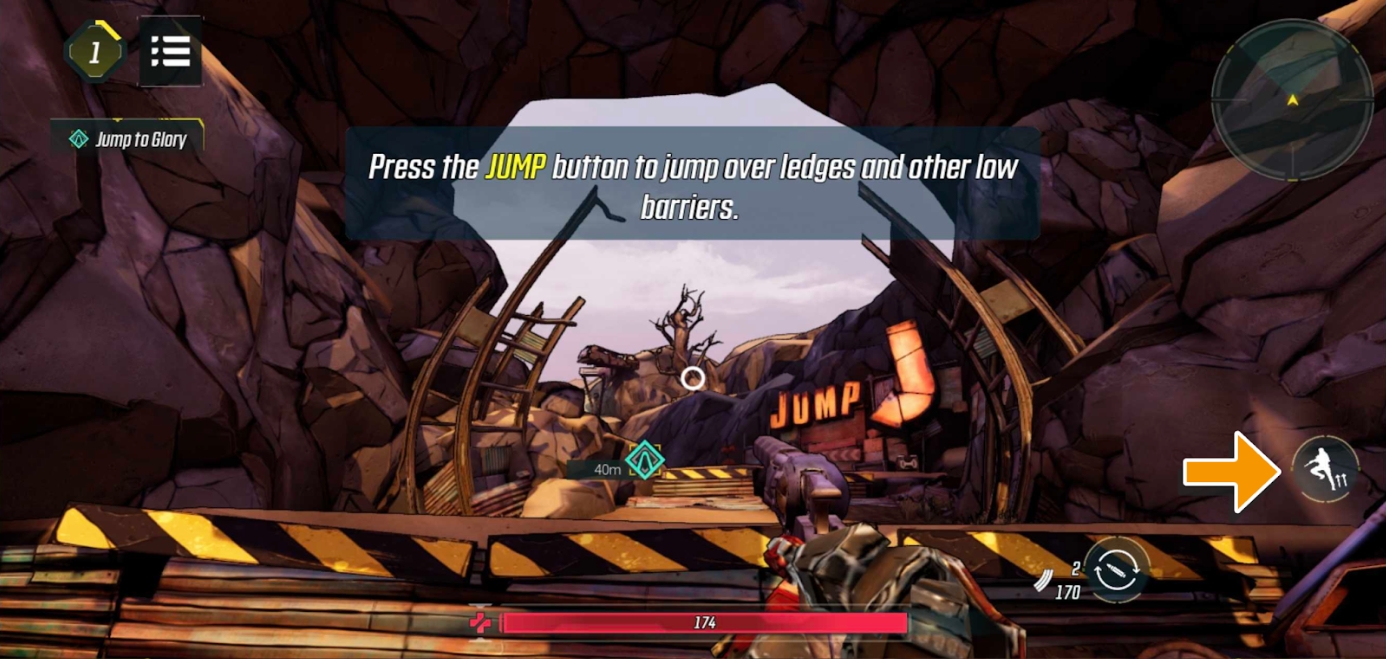
Tap on the designated button on the right side of the screen to jump. In case you’re wondering, yes, you can double jump!
Use the Aim Down Sight (ADS) button for focused accuracy. Tap on it and hold, then drag around to adjust your aim.
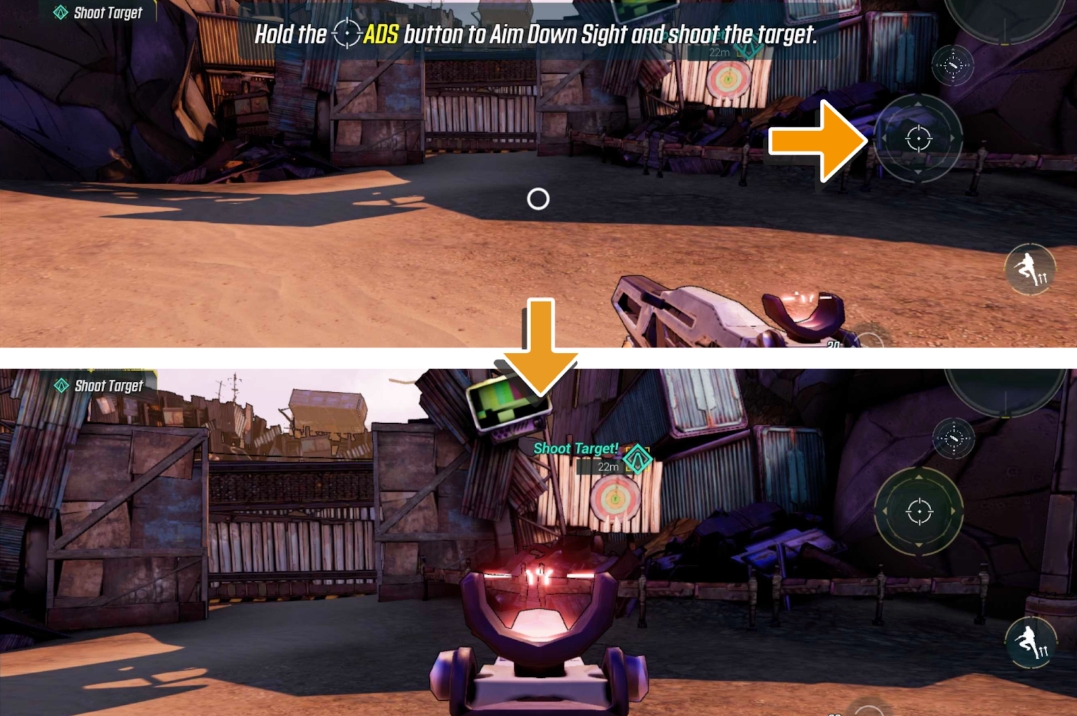
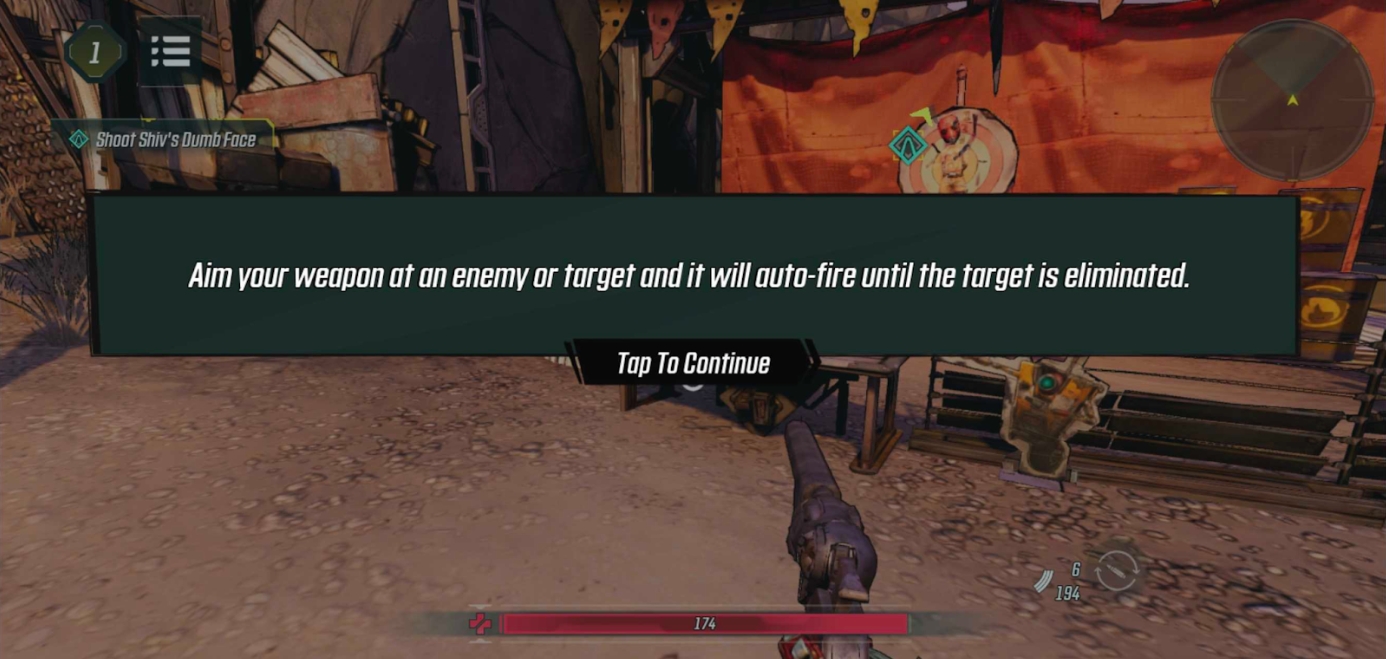
Adjust your aim using the right screen drag. Aim at enemies or targets to shoot automatically.
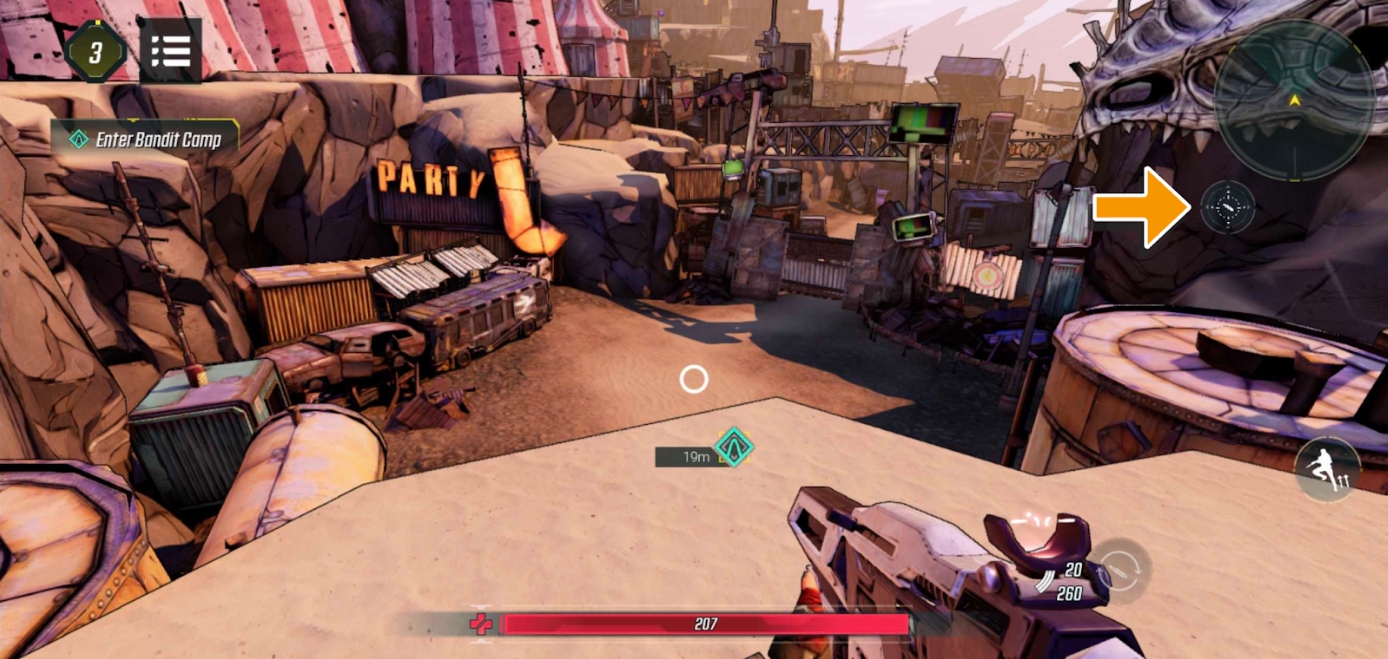
You can tap on this button to fire your weapon manually.
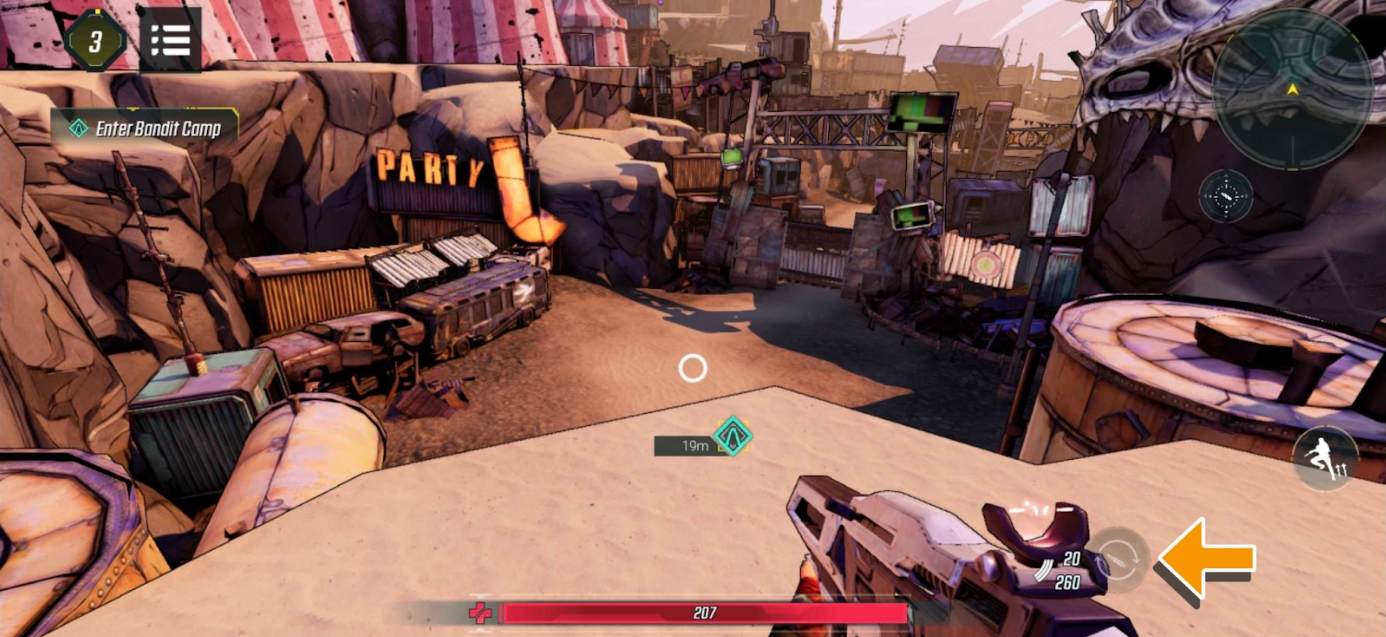
Note: You can toggle to turn autofire on/off in Settings. When you turn off autofire, holding down on the focus aim button will also fire your weapon.
Use the reload button to manually reload your firearm. Your Vault Hunter will automatically reload upon emptying a magazine.
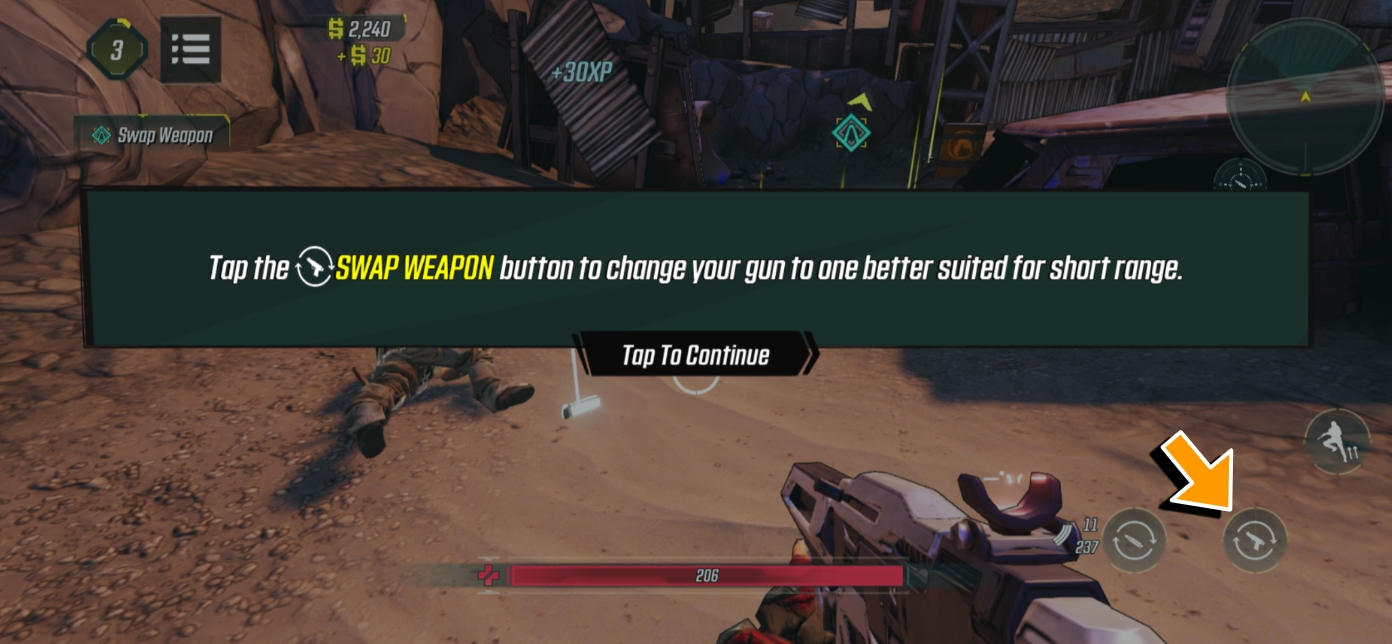
When you have multiple weapons equipped, you can tap on the swap weapon button to switch between your primary and secondary weapons.
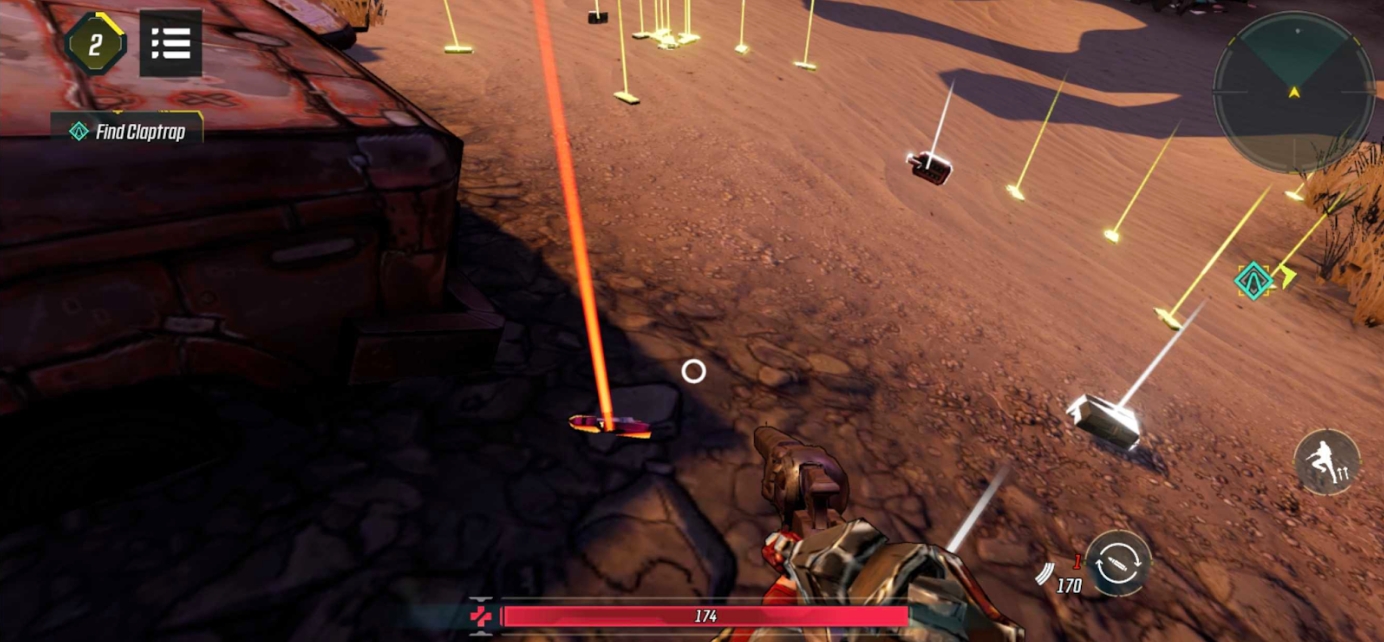
Aside from getting XP, every enemy you kill will also drop items and ammo. These are marked by thin light beacons, and you can just walk over it to pick it up.