
Click on the hamburger button in the top-right corner of the Lobby screen.

Select Profile/Friends on the drop-down menu.

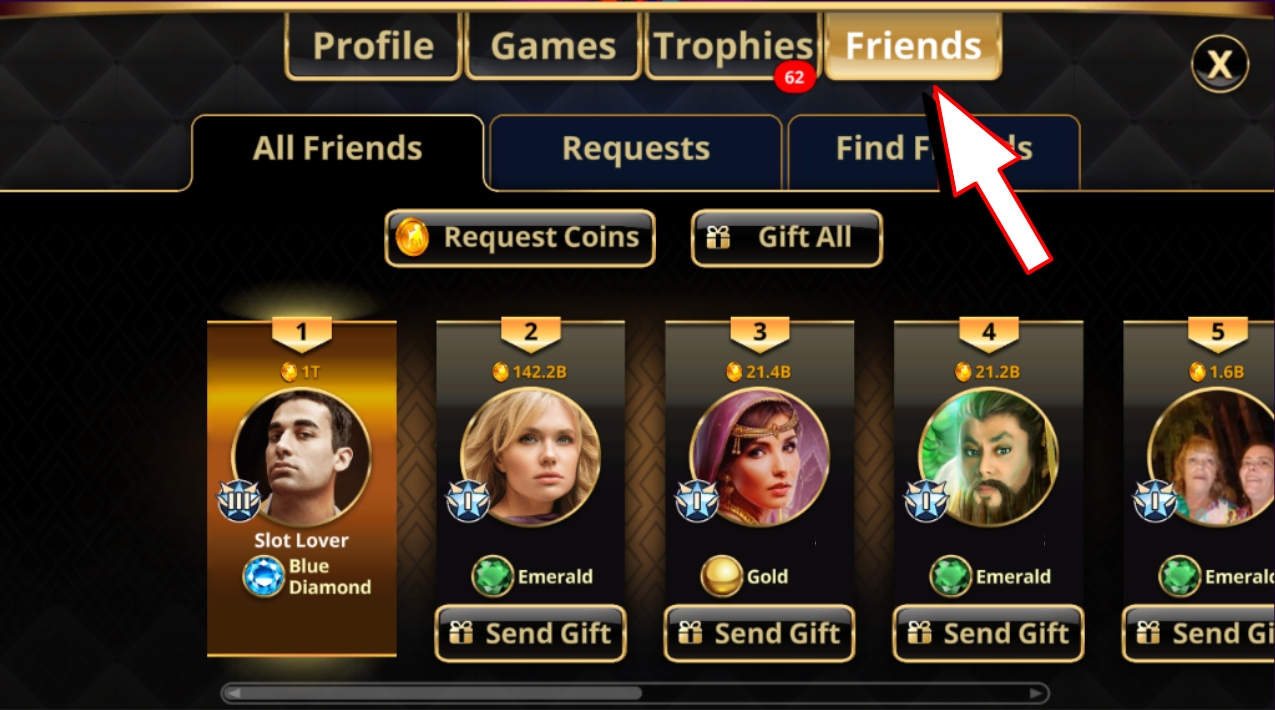
Click on the Friends tab.
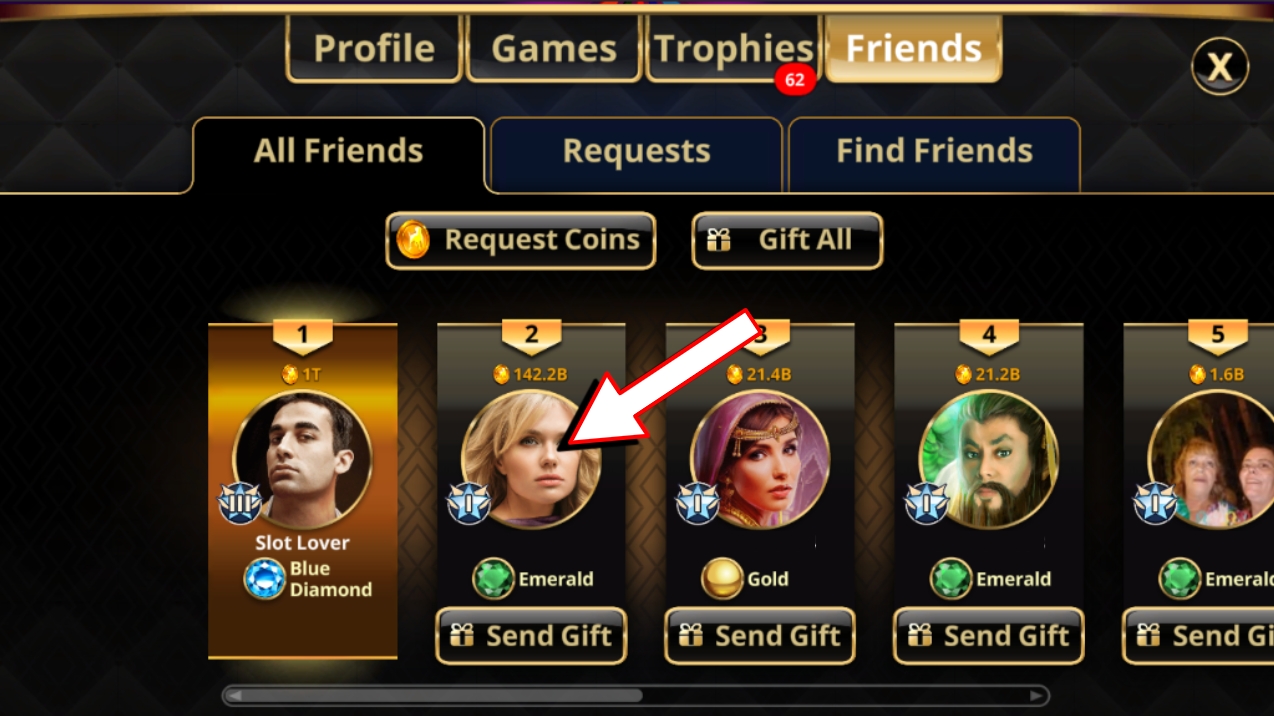
Click on the photo of your friend to view their profile.
Click on the hamburger button in the top-right corner of the Lobby screen.
Select Profile/Friends on the drop-down menu.
Click on the Friends tab.
Click on the photo of your friend to view their profile.