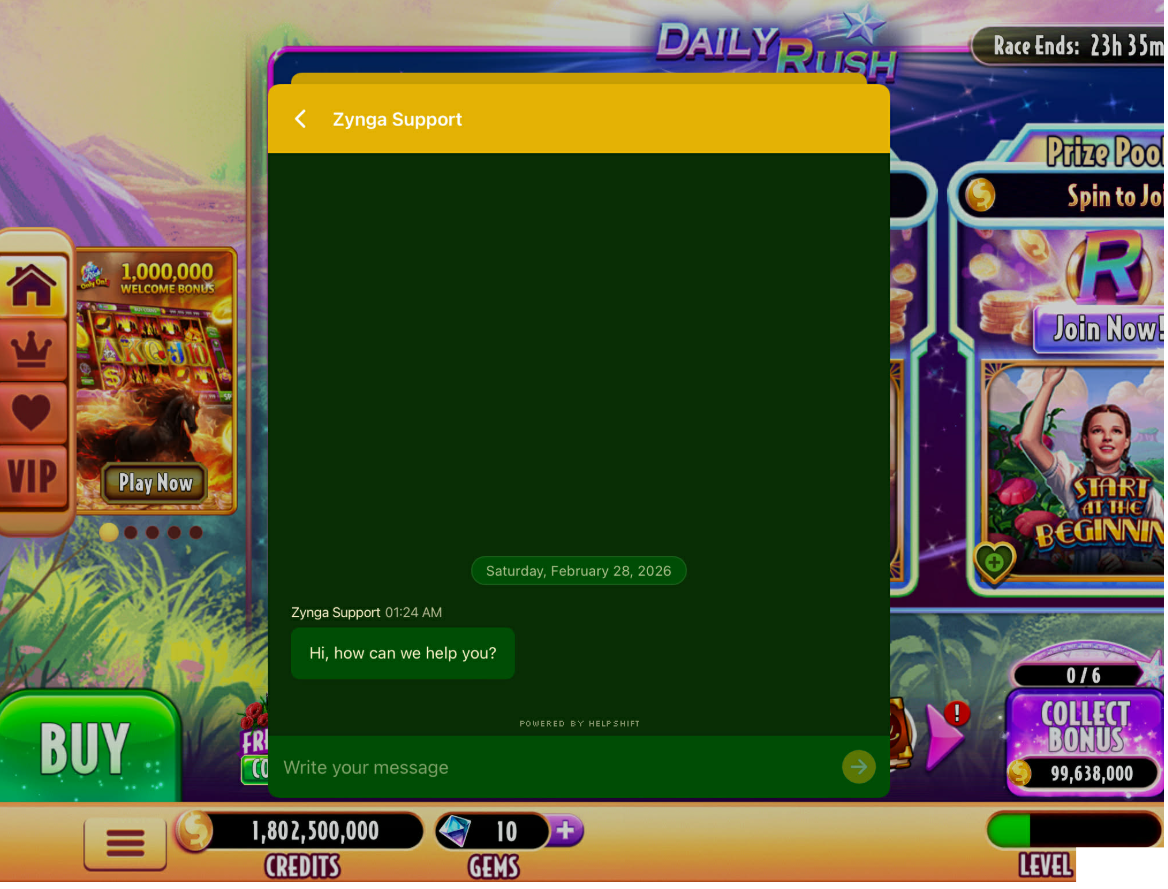
To contact support through the Web Version, follow the steps below:
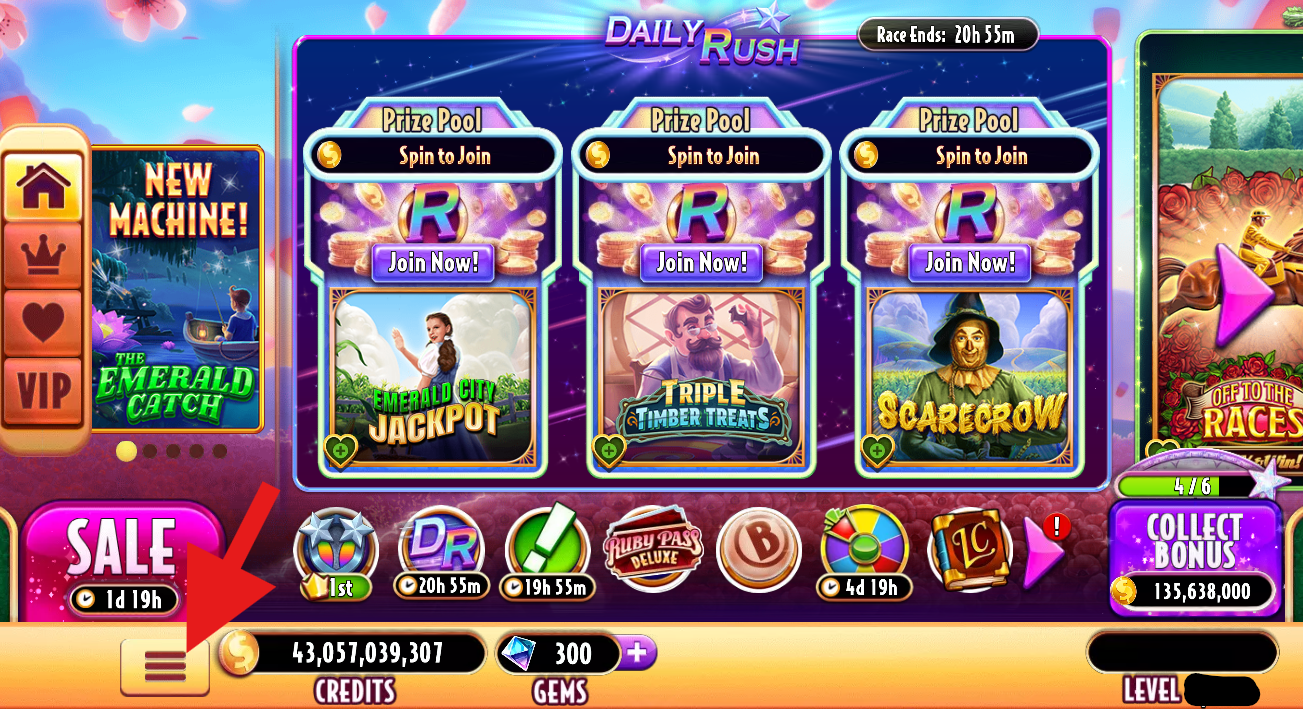
- Click on the "Menu" button (3 horizontal lines) located in the lower-left corner of the game board canvas to access your Options Menu.
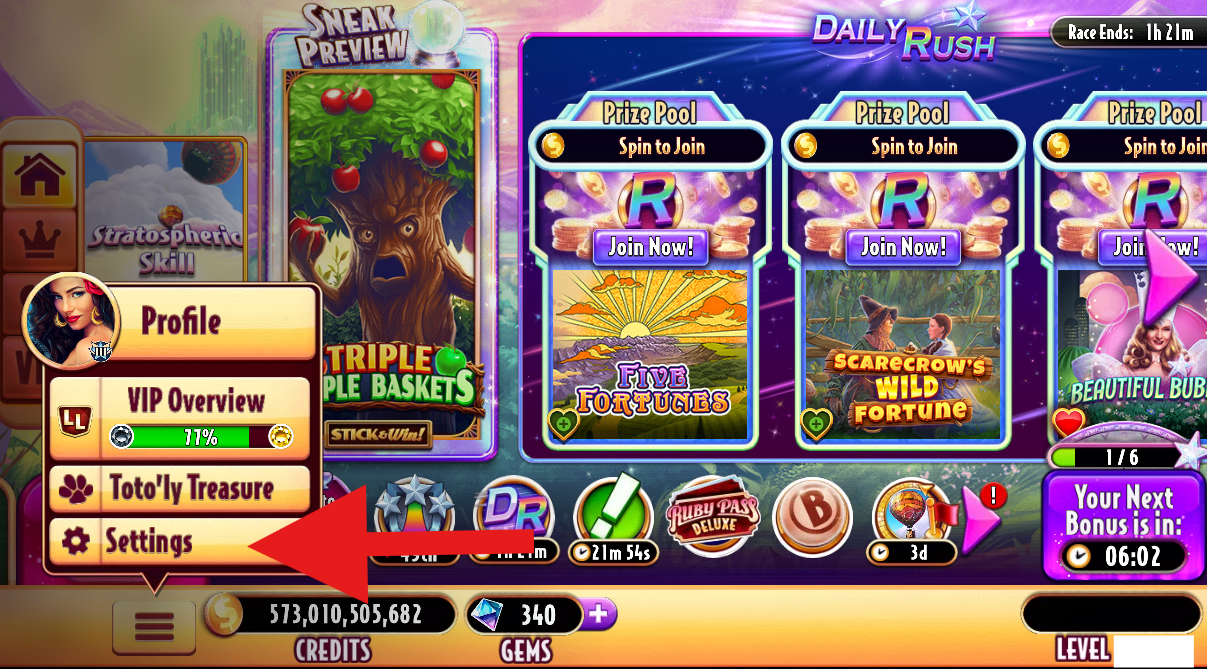
- Then, click “Settings”
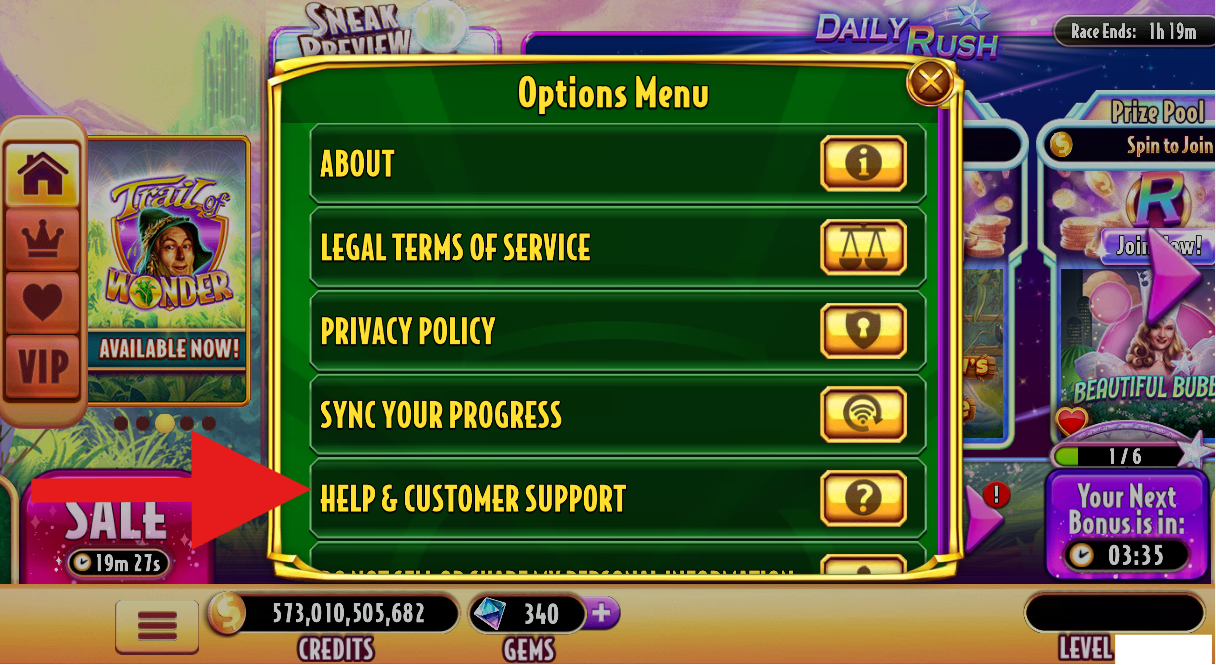
- Click the “Help & Customer Support” button.
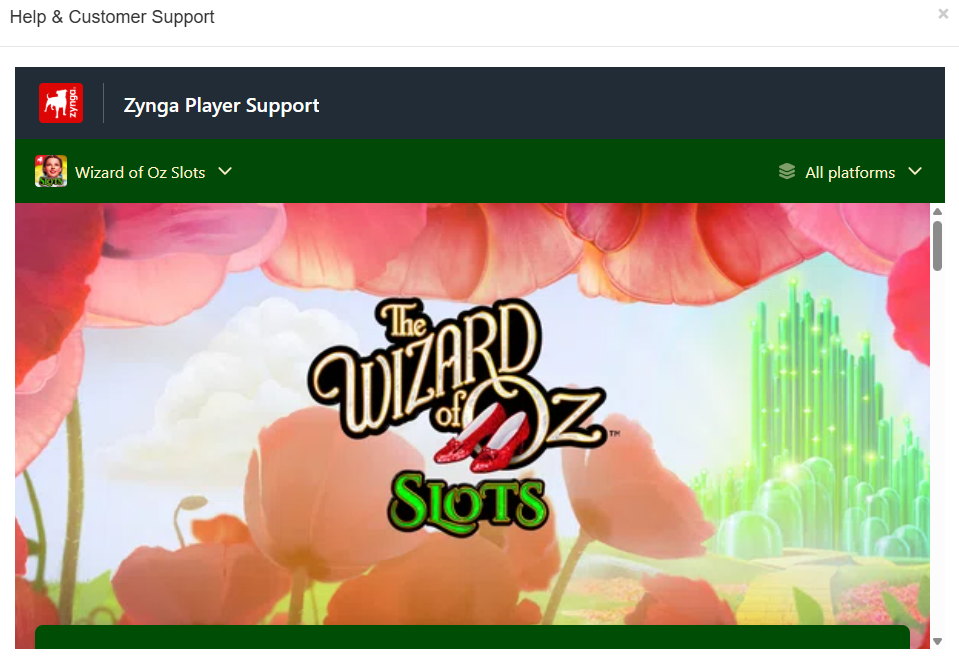
- After you click the “Help & Customer Support” button, you will be directed to the Wizard of Oz Slots Support Page.
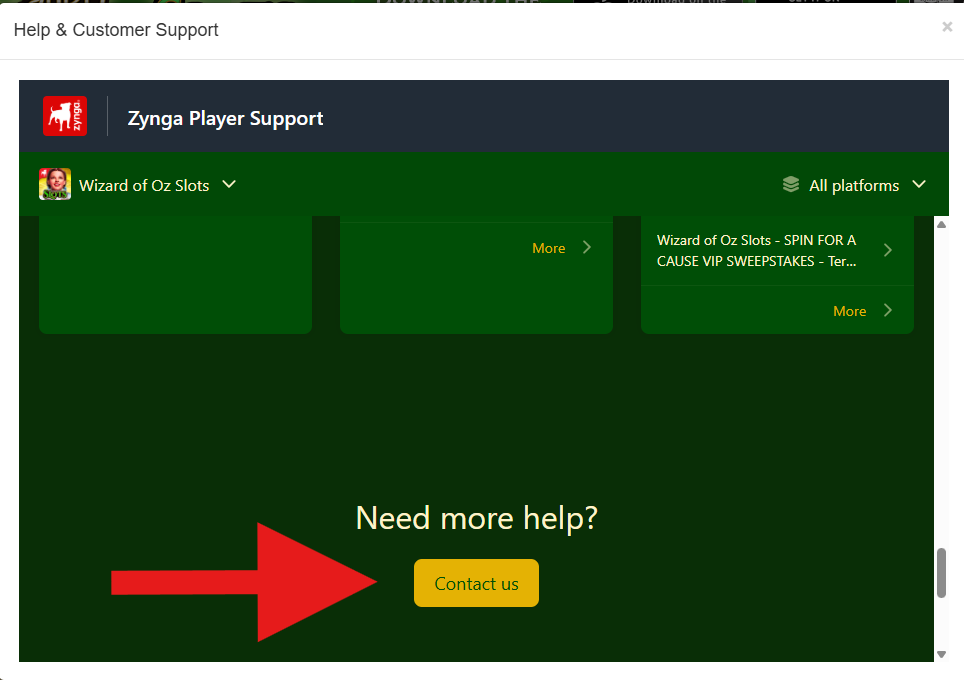
- Click the “Contact Us” button (located at the bottom part of the page) to open and submit a ticket incident.
To contact support through the Mobile Version (iOS and Android):
- Follow the 1st and 2nd step above. After you tap the “Help & Customer Support” button, you can choose any FAQ category (i.e. Hot Topics) and see if there is any article published for your concern.
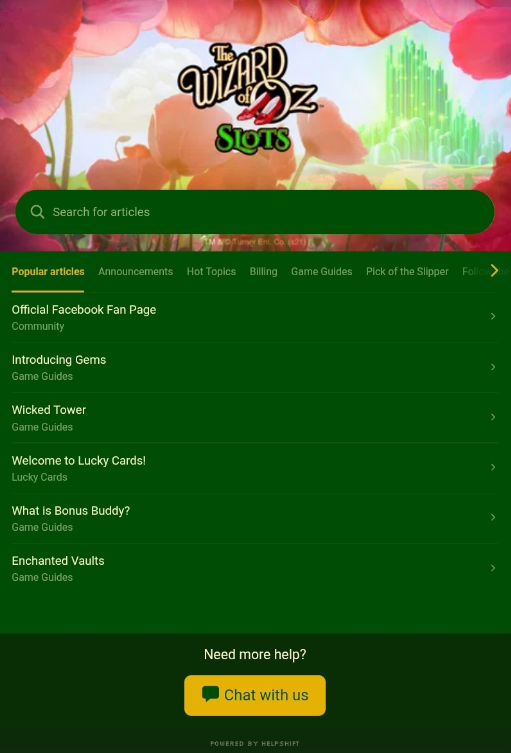
- If you are unable to find the appropriate article, select any.
- You should see a Chat with us button in the upper-right corner of the page or a Chat with us button in the bottom part of the page. Tap it.
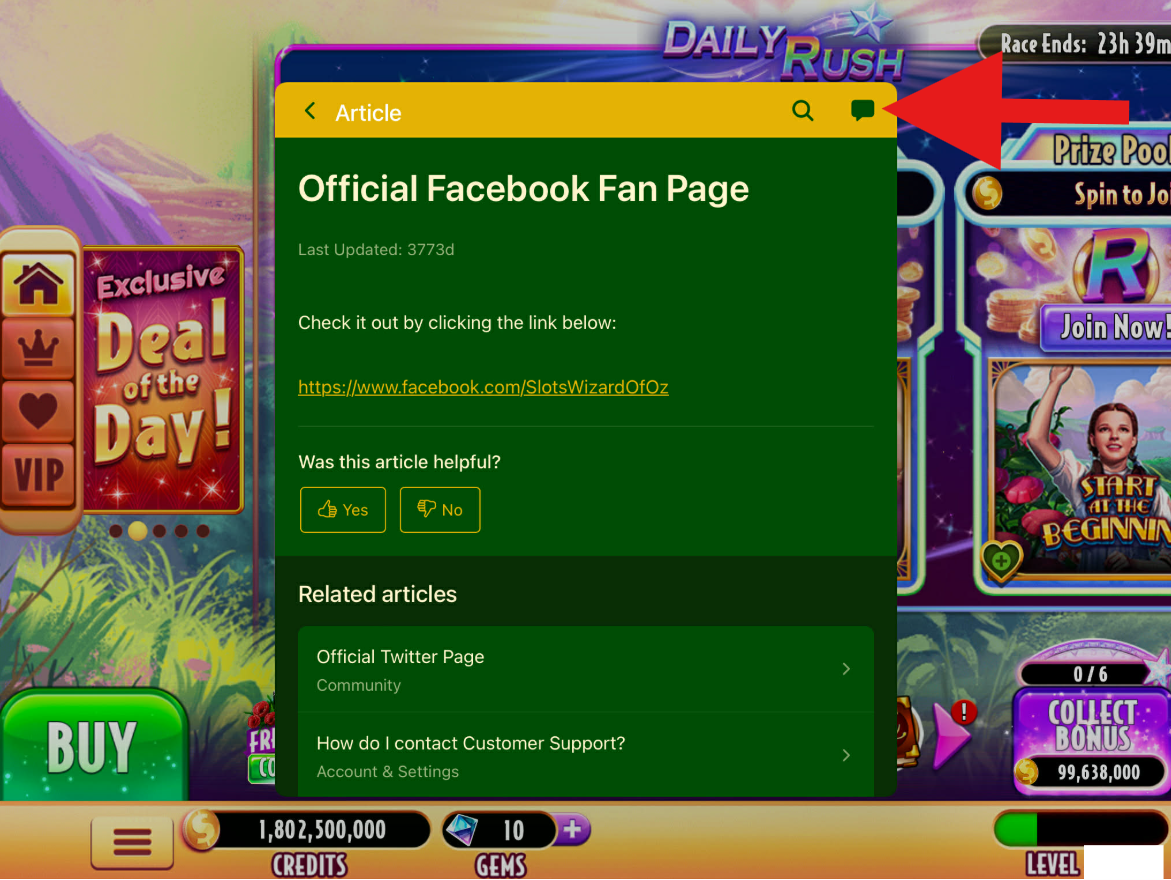
- You have now opened a New Chat conversation with Customer Support.