MOBILE 📱
Using a mobile device, Customer Support can be accessed through the game settings.
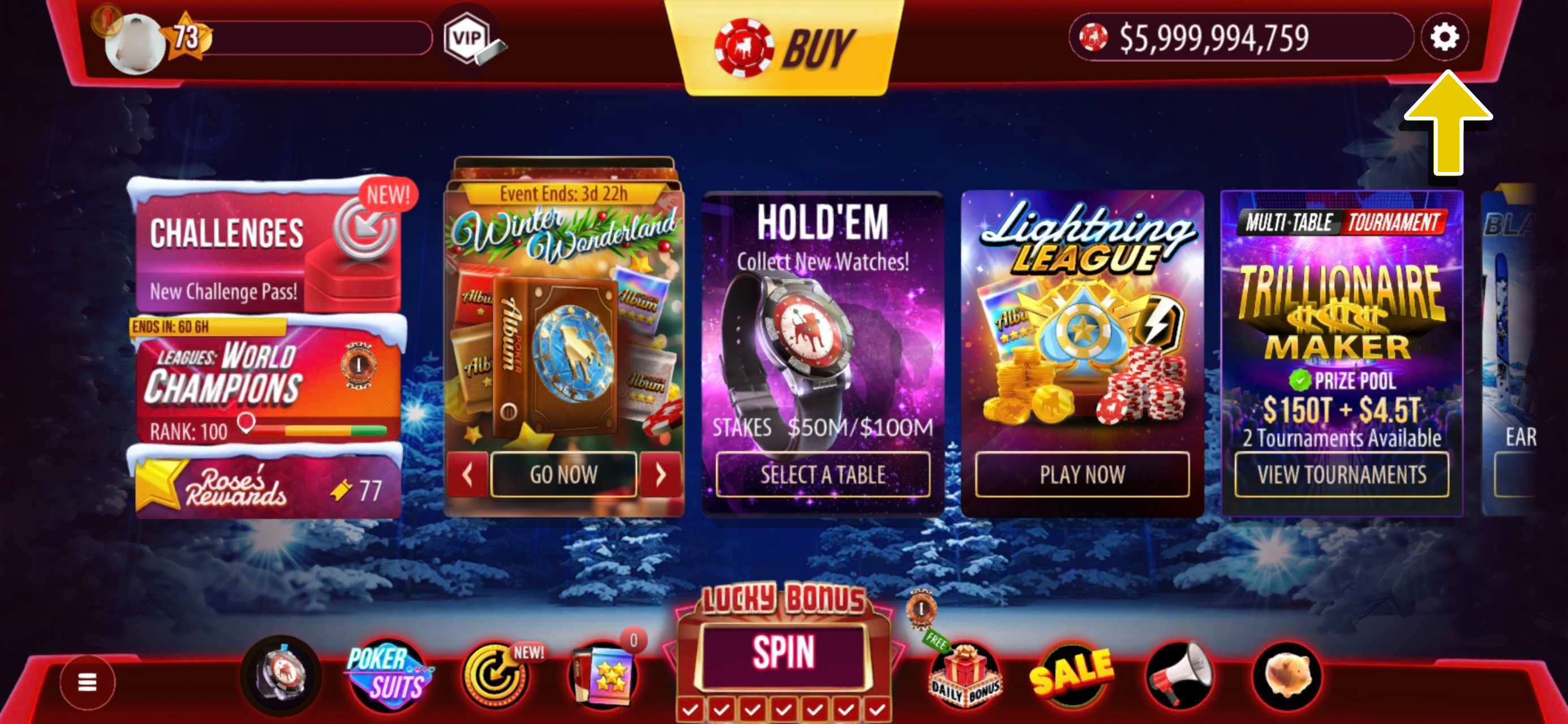
Access the game settings by tapping on the Gear ⚙ button in the upper-right corner of the screen.
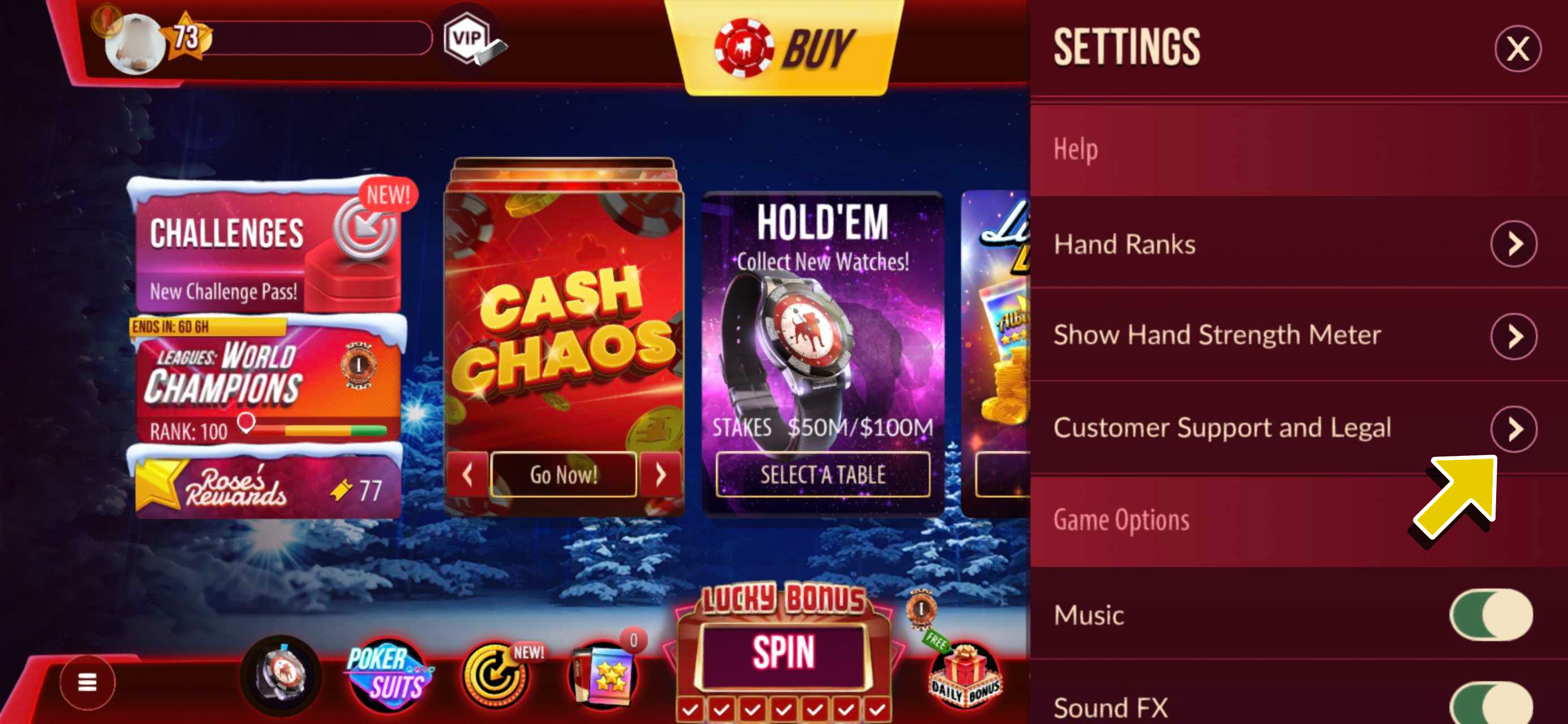
- Tap on the arrow button for Customer Support and Legal.
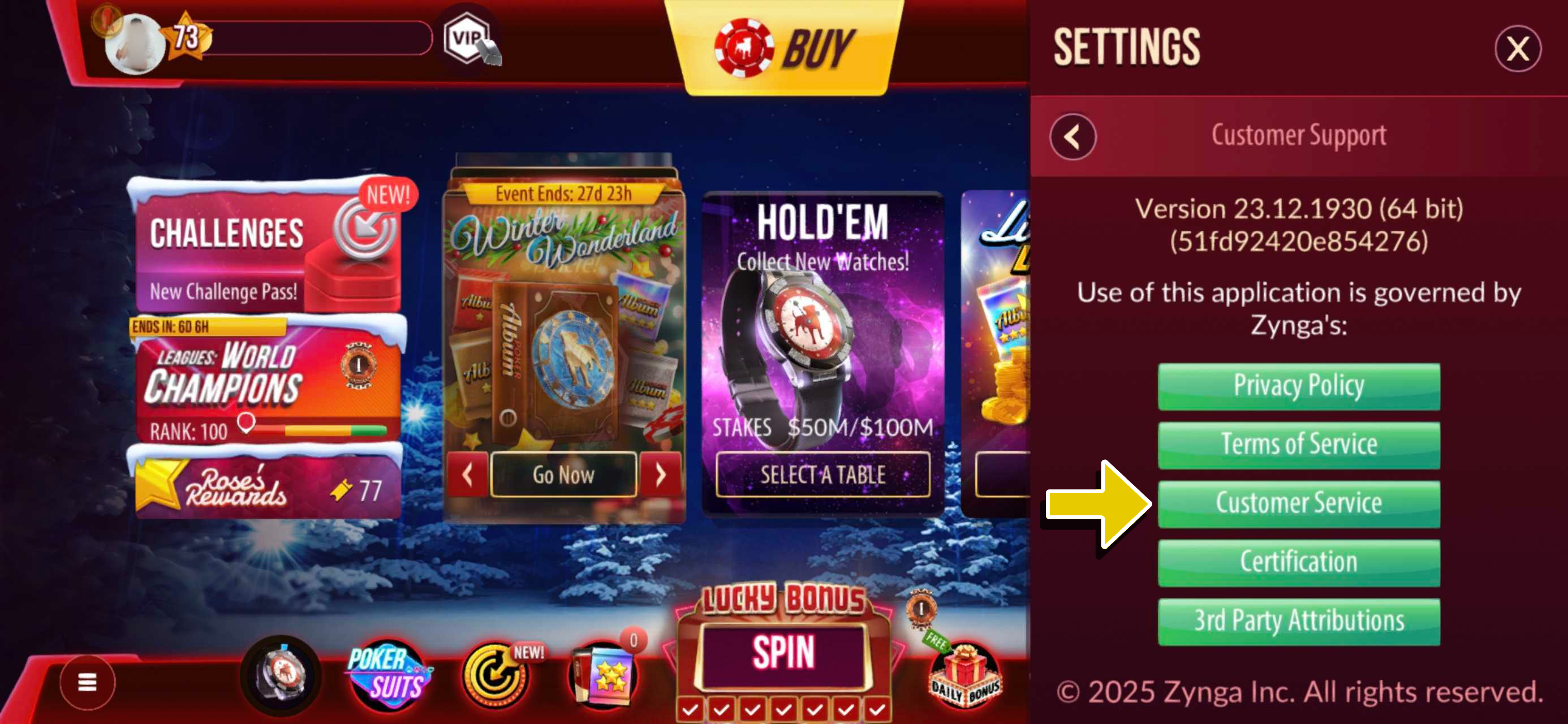
- Select Customer Service.
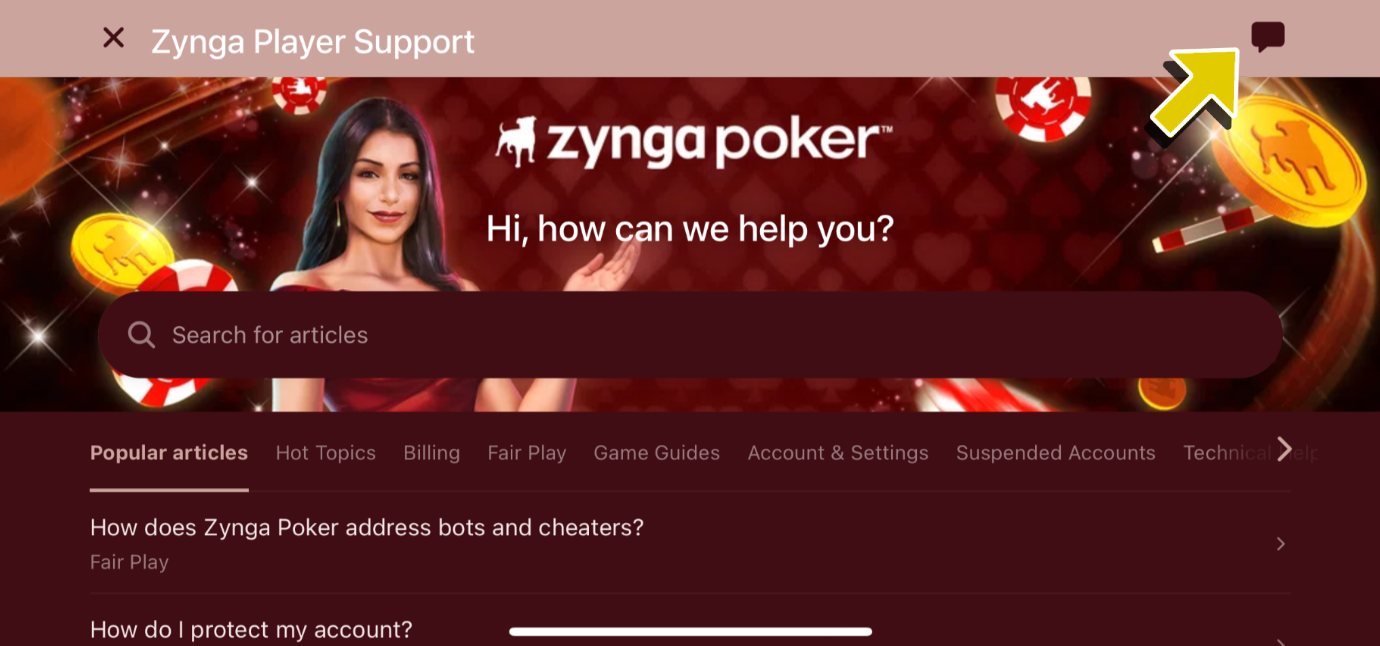
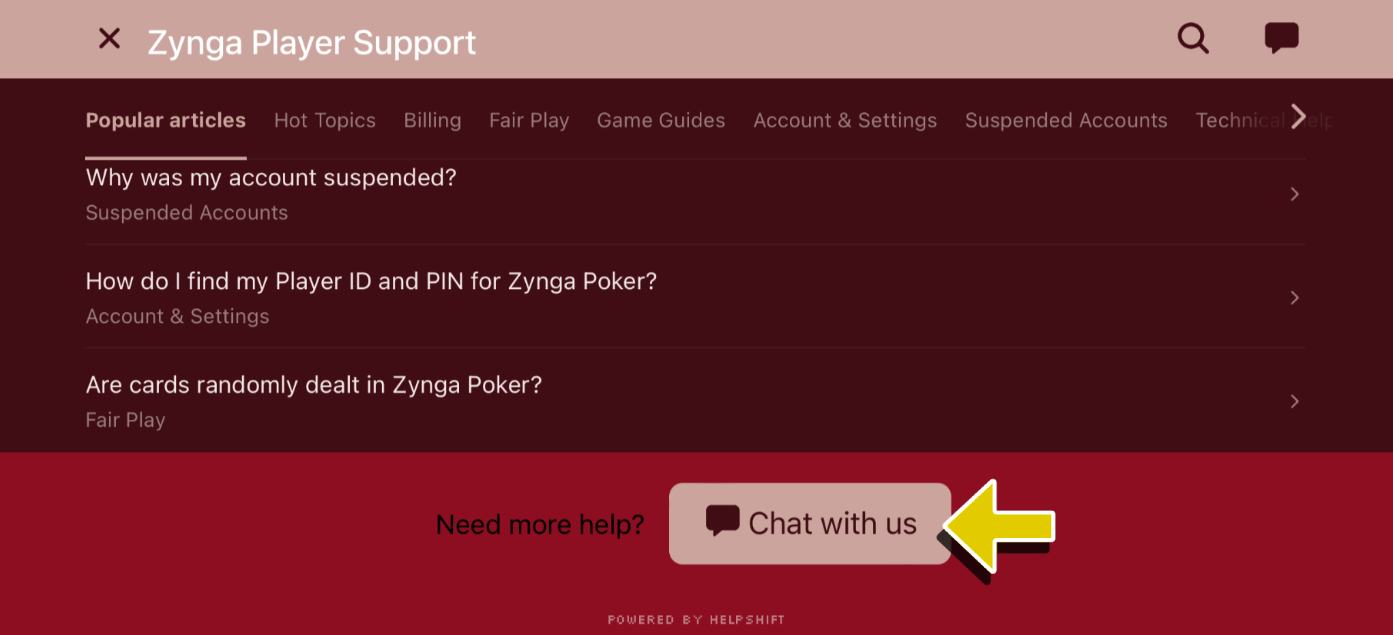
- Tap on the chat bubble button located in the top-right corner of the screen. You can also find a Chat with us button when you scroll down to the bottom of the page.
WEB 🖥
Using a web browser, open the web application through https://apps.facebook.com/texas_holdem/.
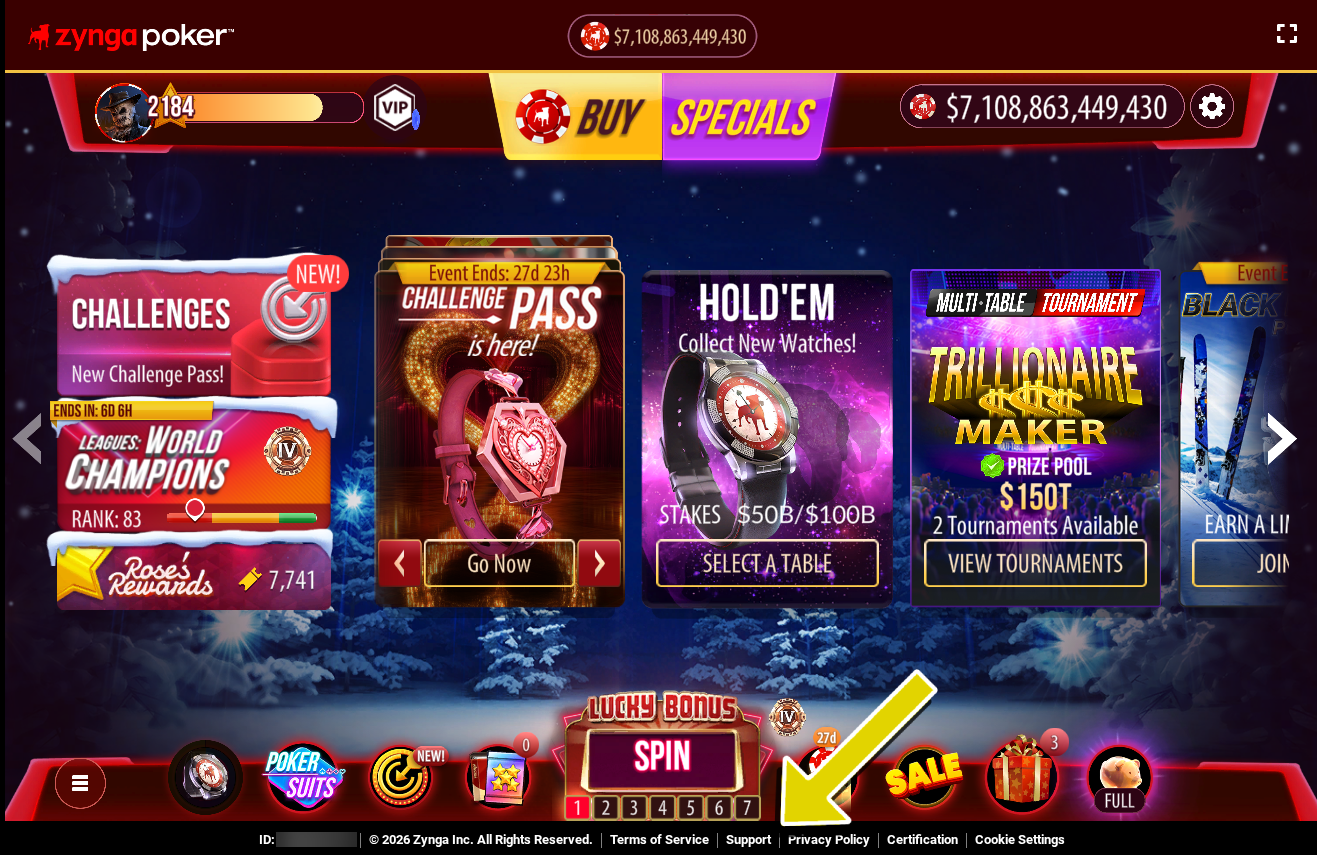
- Customer Support can be accessed by clicking on the Support link found at the bottom of the Lobby page.
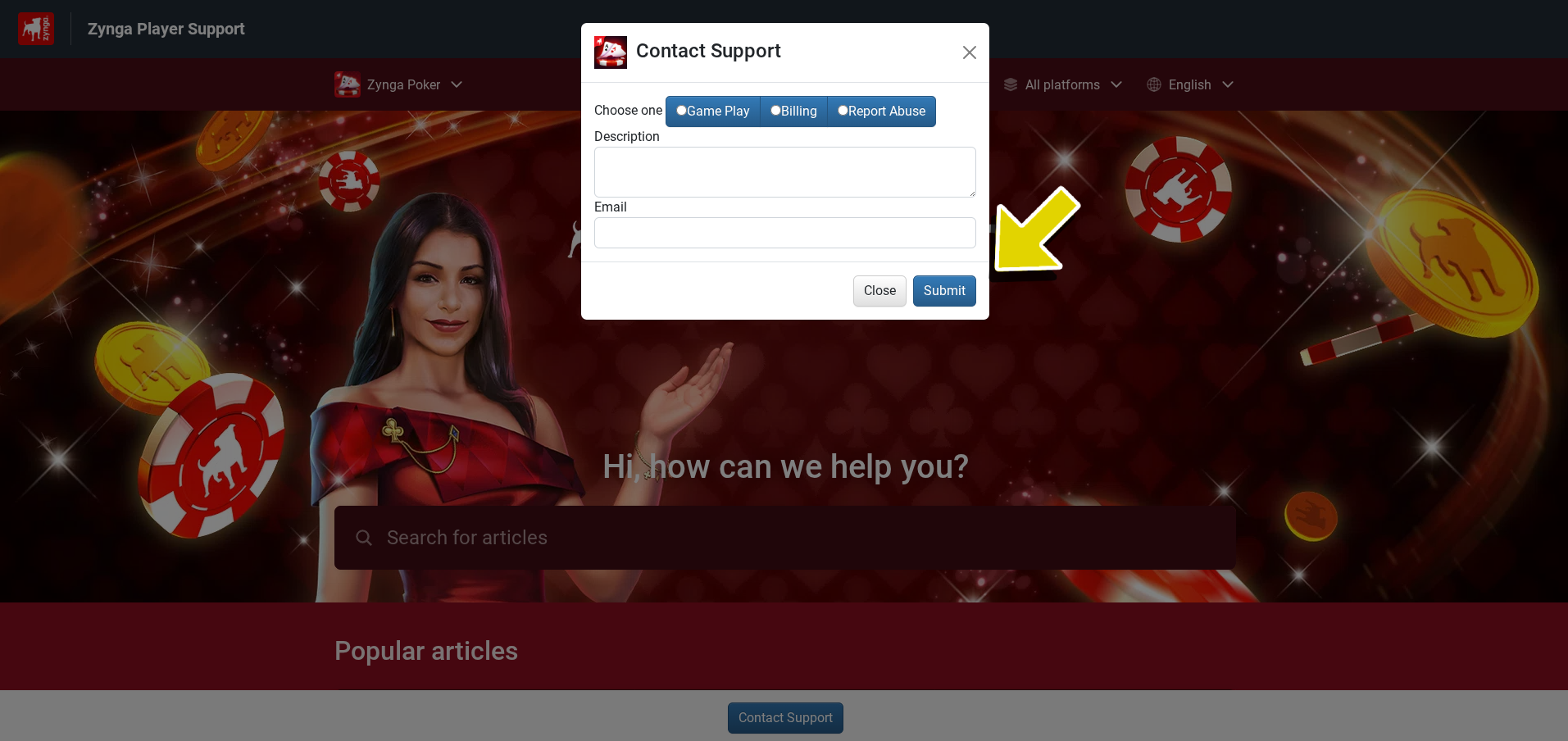
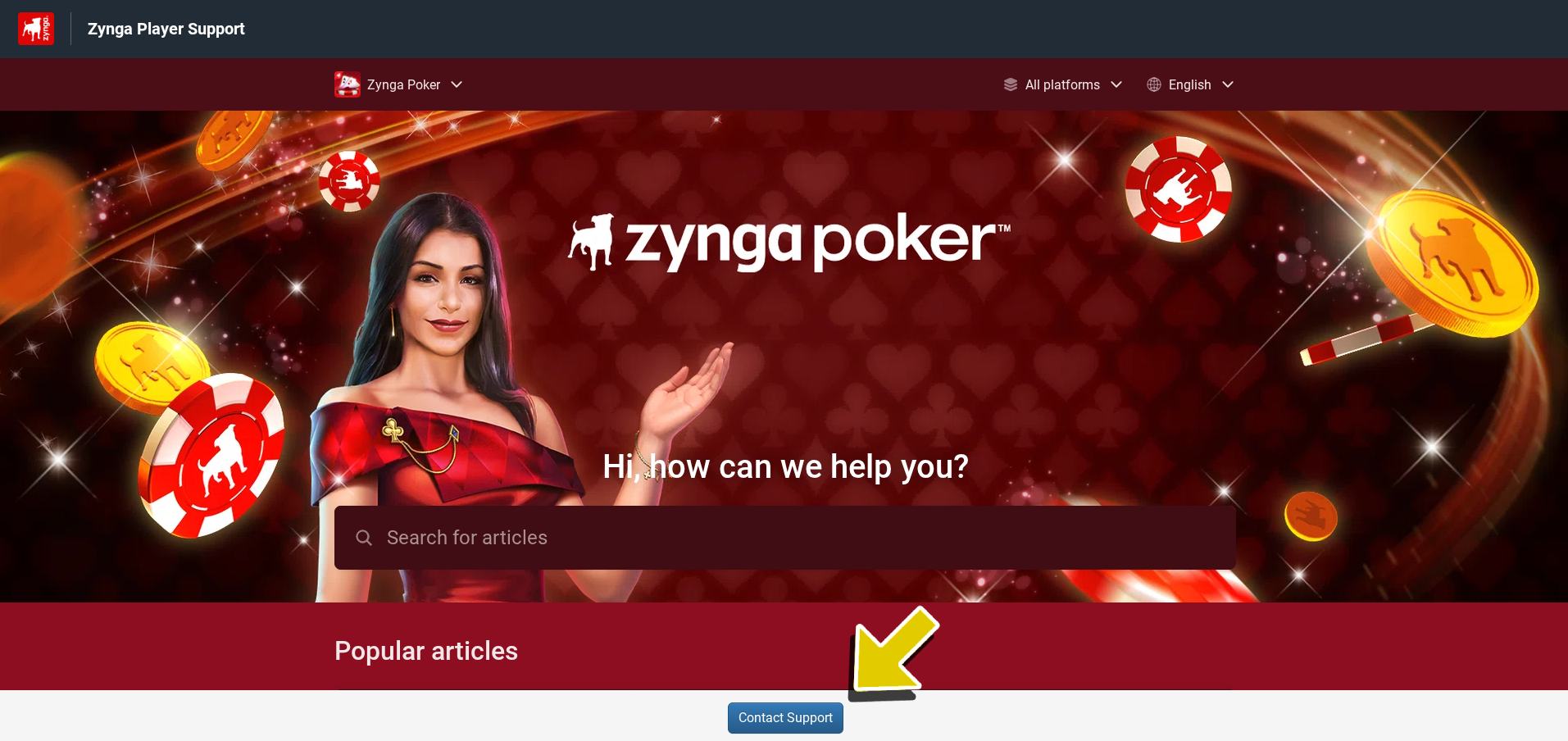
- Click on the Contact Support button at the bottom of the page.
- A pop-up will appear, choose the category that fits your concern, add an accurate description, and your email address.