Playing with a friend or Buddy can motivate you and add a thrill to the game. It can also significantly impact how you play.
Here are the steps to join your Buddies at their Table or invite them to your Table:
- You can join them by clicking/tapping the “Buddies” button in the lower left corner of your Lobby screen.

- Click/tap the “Social Center” option under “Bonuses”.

NOTE: You can also directly click/tap the Social Center option located in the lower right corner of your Lobby screen.
- Click/tap the "Join" button on your buddy list next to your friend's name. This will instantly move you to the Table where your friend is playing.
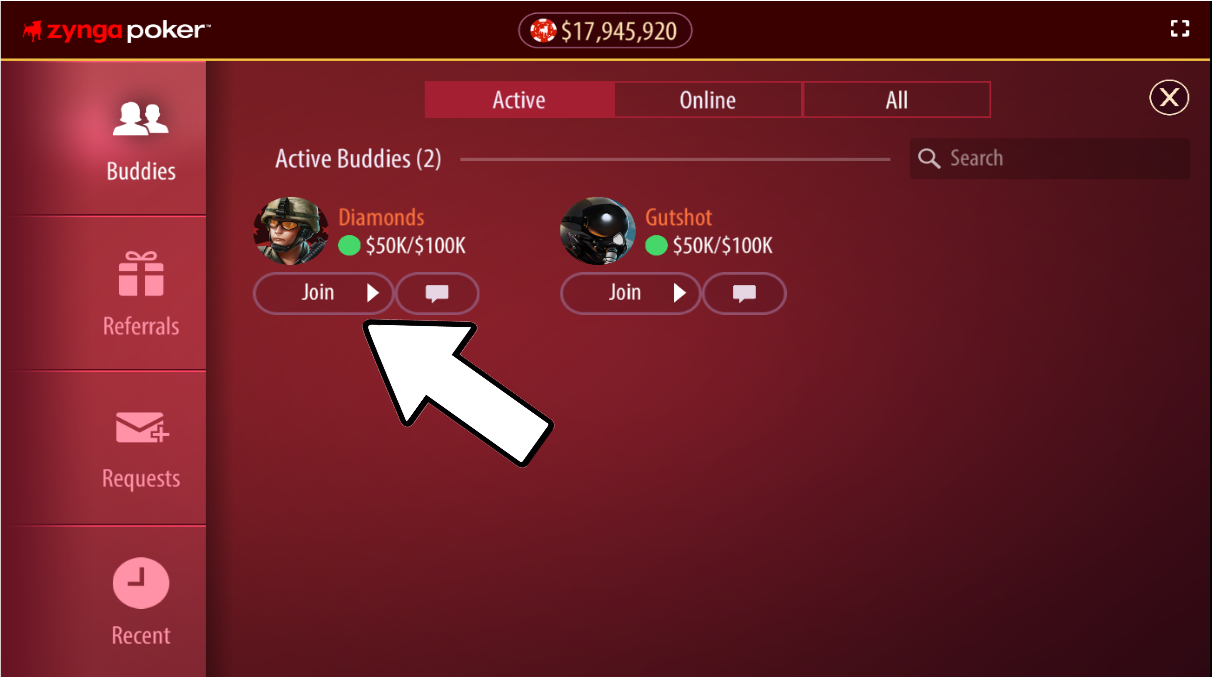
NOTE: If there are no available seats, you will be standing at that Table upon entering. - If you are playing at a table, click on the vacant seat to invite your Buddy.
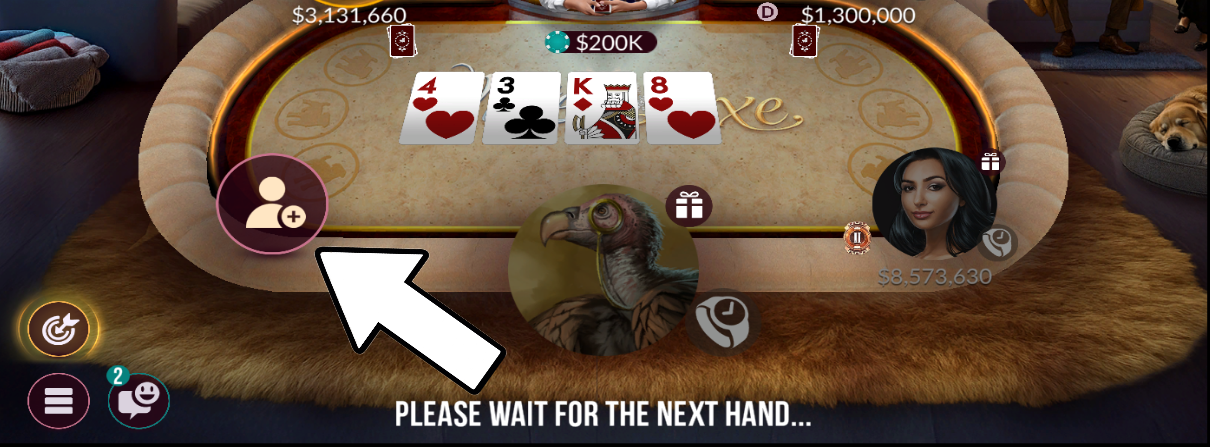
- The Buddies tab will pop up from where you can either "Join" or "Invite" any available Buddies in the list.