Follow these simple steps:
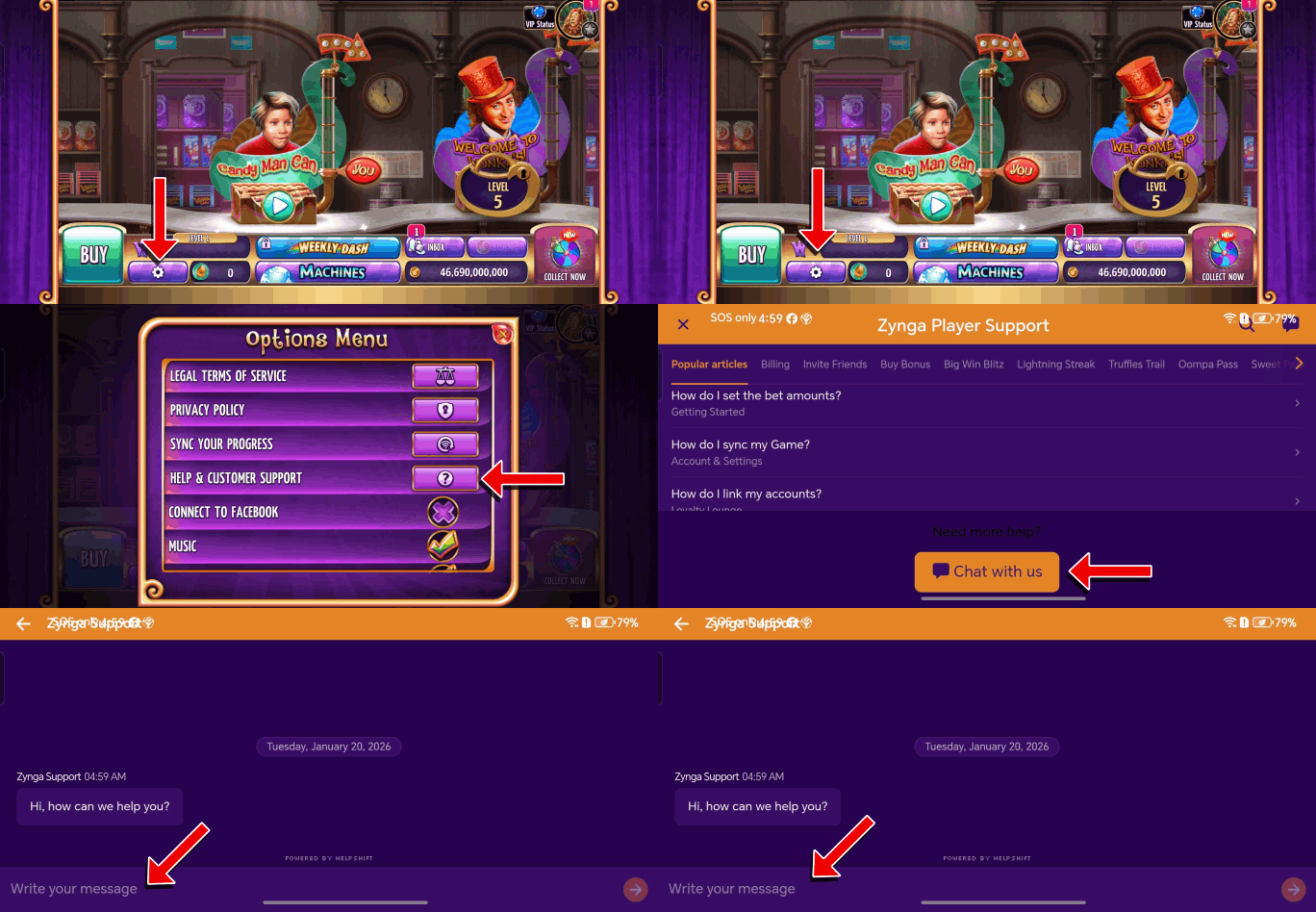
- Tap on the "Gear" button located on the lower left side of the game board canvas to access the Options Menu.
- Tap on the “Help & Customer Support” tab.
- Scroll down and tap the “Chat with us” button.
Check out the GIFs below for a demonstration.
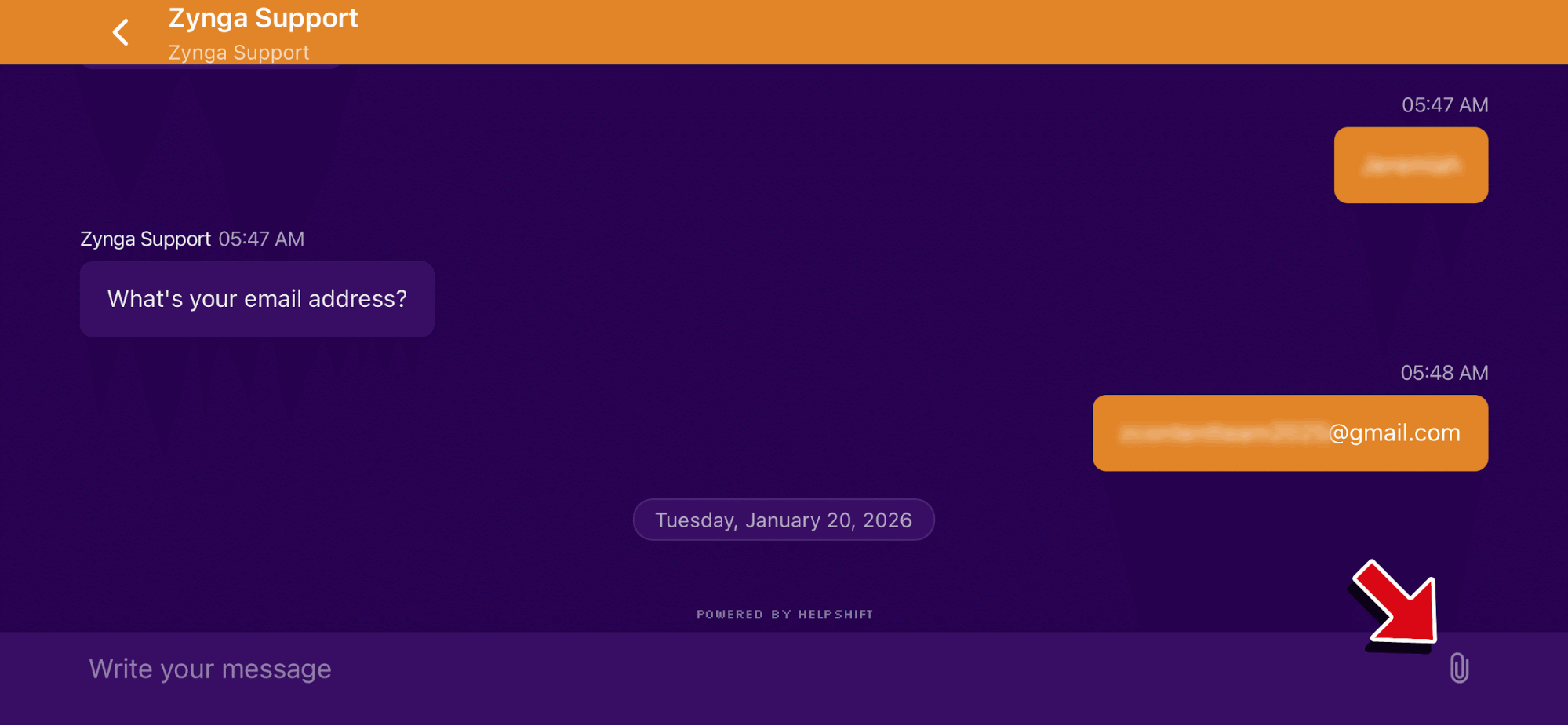
The "Paper clip" button in the lower-right corner of the screen allows you to attach a screenshot.