This website uses only the necessary cookies required for the site's proper functioning. By using the website, you consent to all cookies in accordance with the cookie policy. To know more, refer Cookie Policy.
Zynga Player Support
Home
/
Game Guides
How do I change the language of the game?
Last Updated: 15d
The game will default to the language that your overall settings are in.
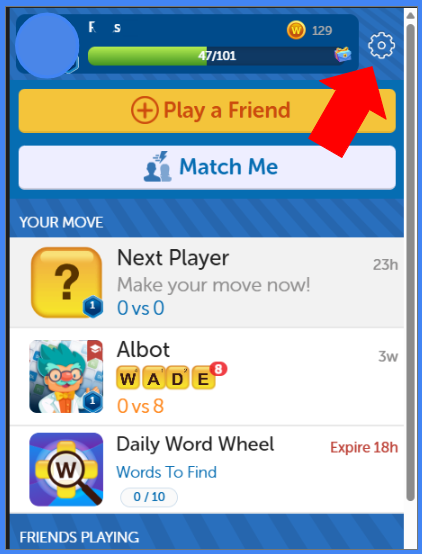
To change the language of the game you are playing, tap on the Gear icon on the game's main page.
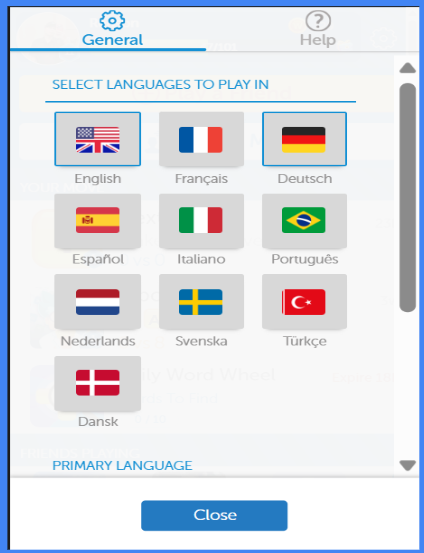
You can choose which language you want to play with in the options that show:
Related articles
Need more help?