Food Truck Events are limited-time events that become available to you when you reach Level 22. This feature is offered as an alternative event while the Museum Events are inactive. You can access the Food Truck Events from the events area on the left side of the farm, just across the Townhall.
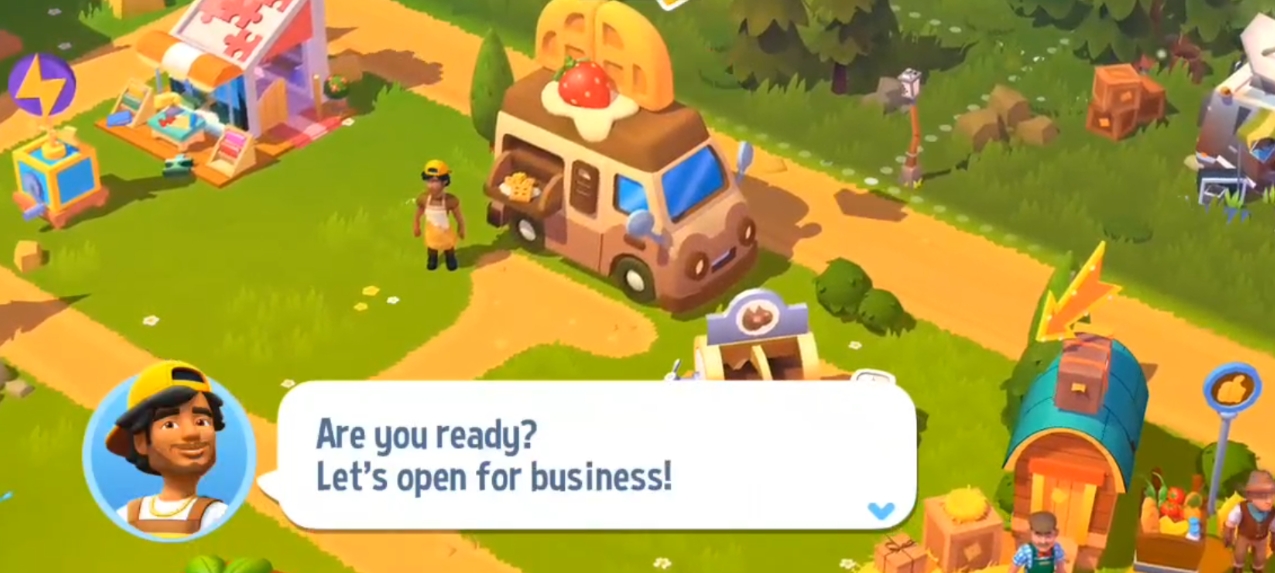
You can also access this event using the waffle button in the sidebar menu on the left side of the screen.
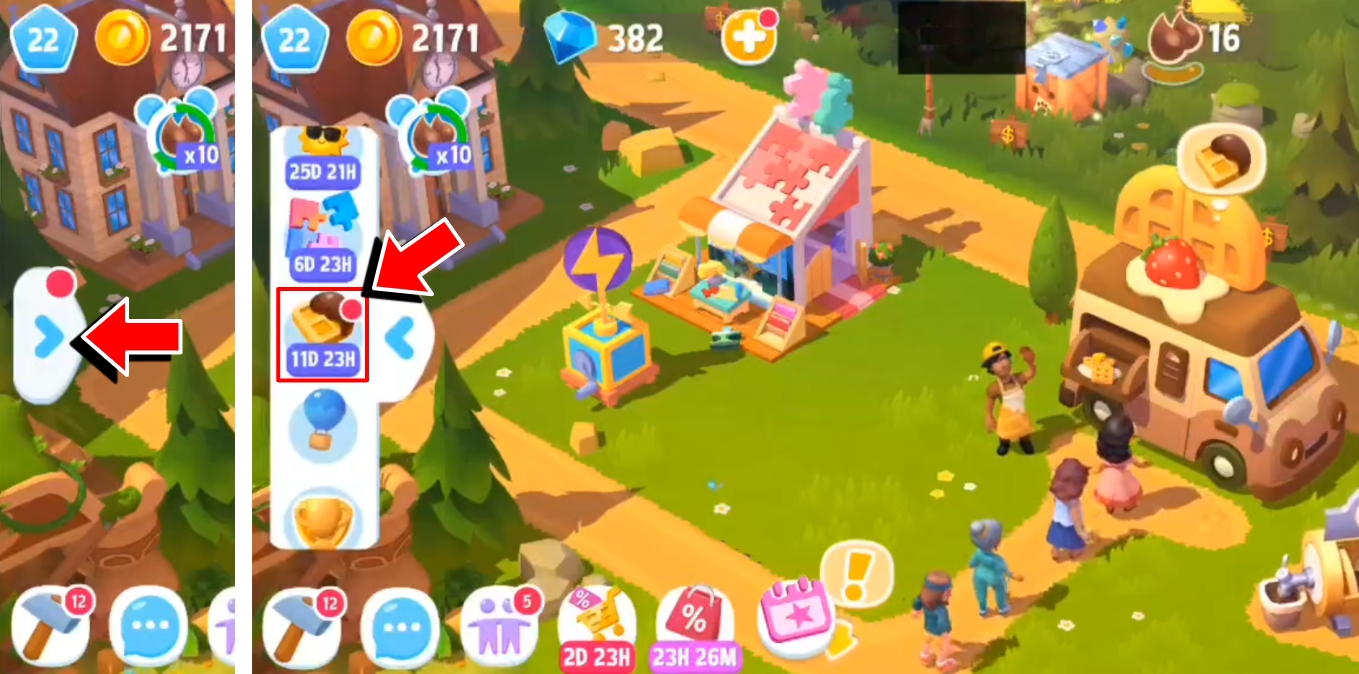
While the Food Truck is at the farm, your task is to serve your customers and complete their orders. You can complete only one order at a time. Tap on the order to view how to complete it. Previewing your next orders will consume Energy.
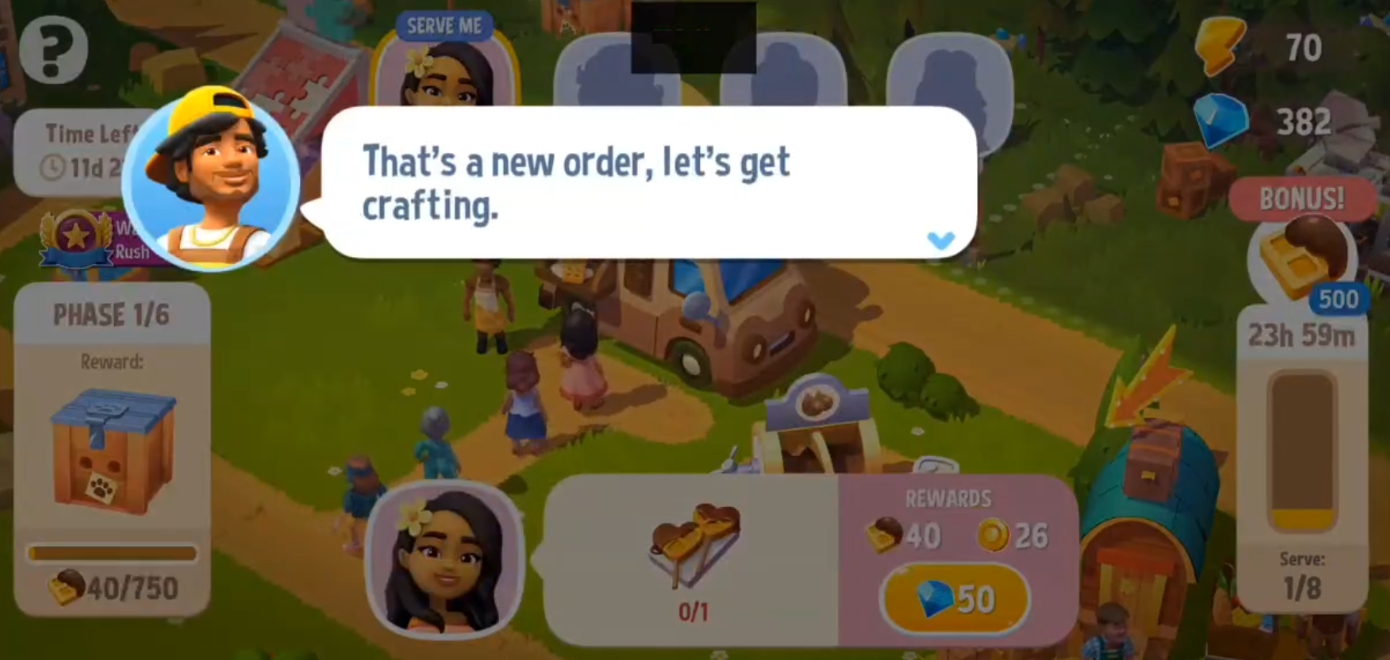
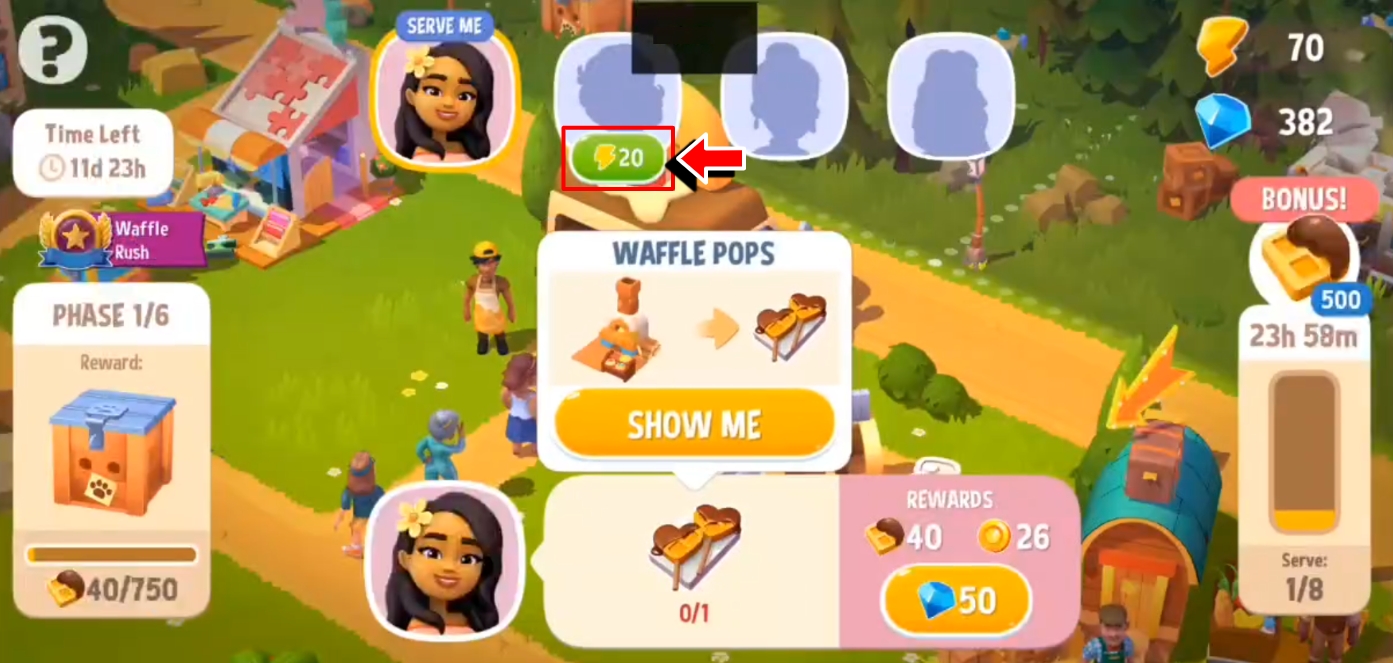
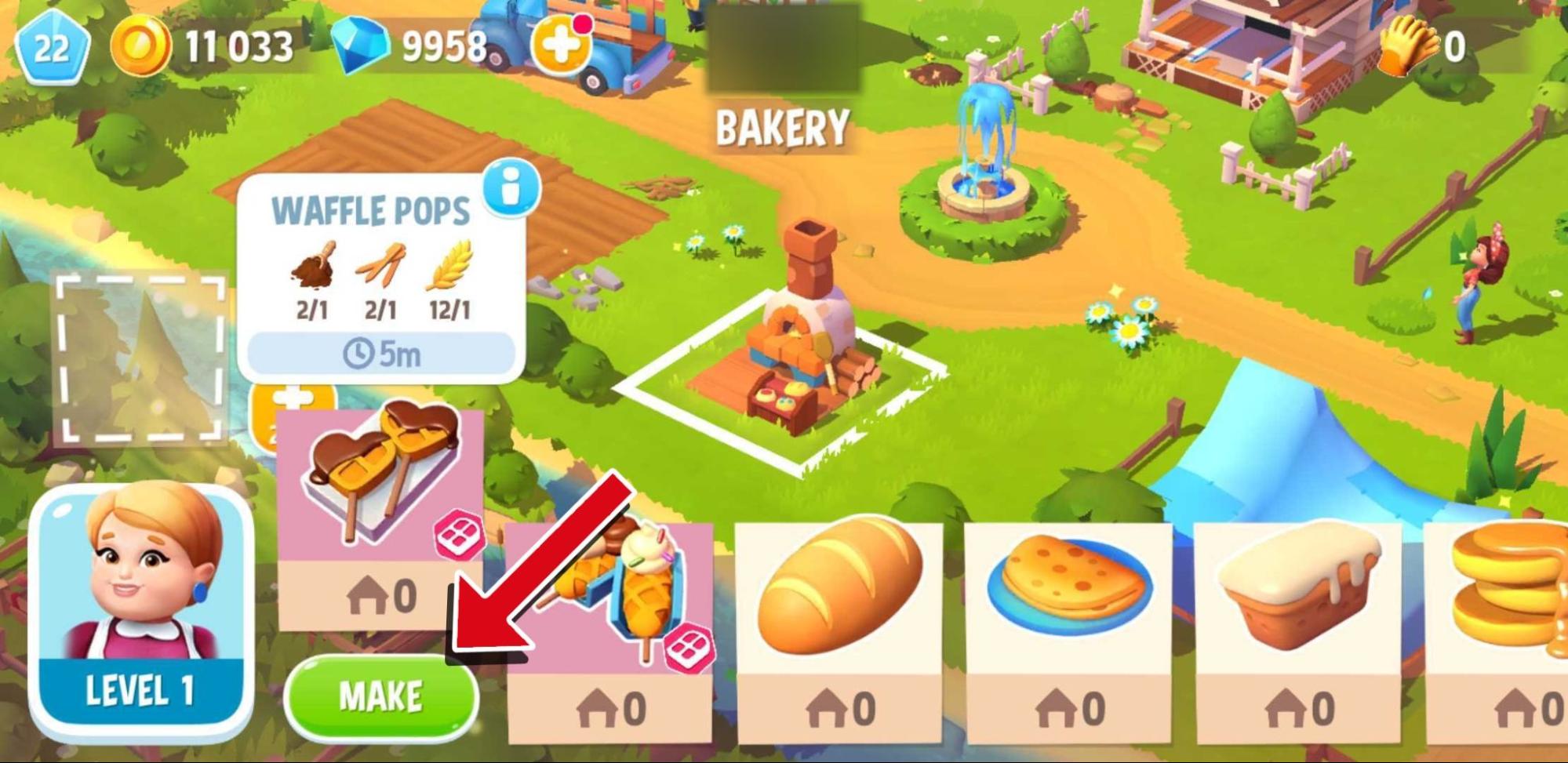
The orders can be crafted at the Bakery.
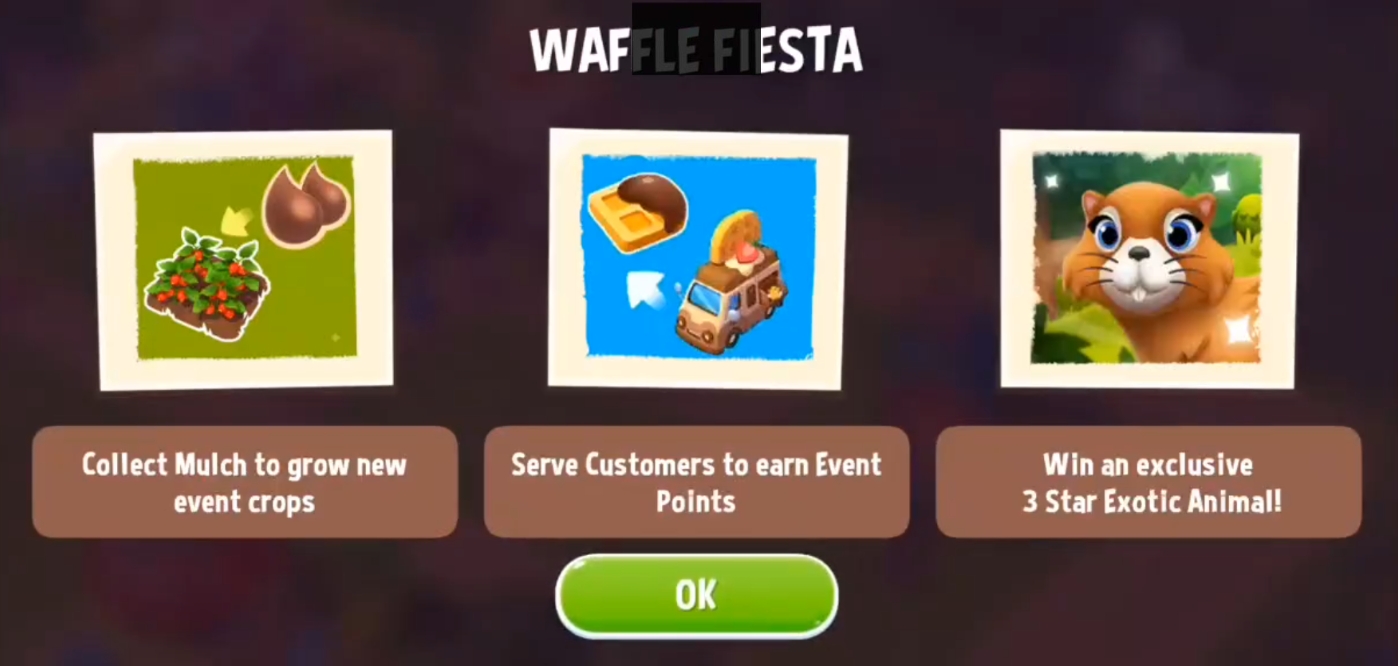
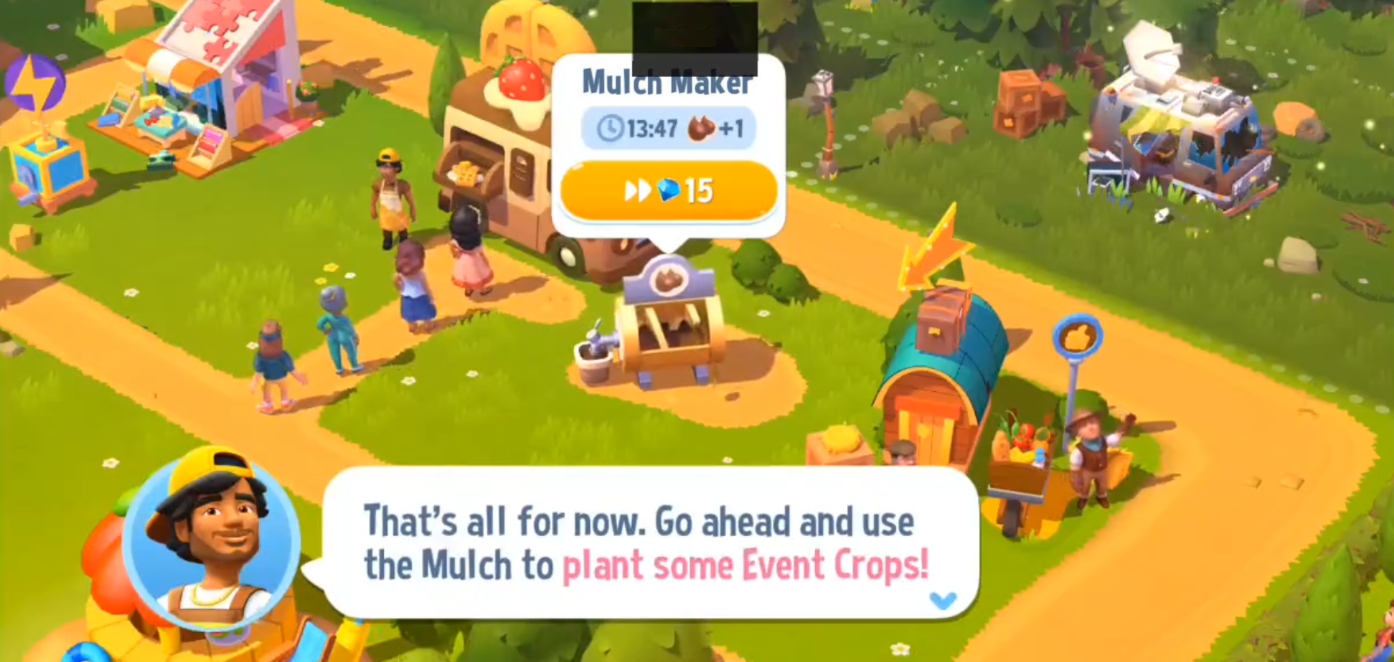
To complete an order, you will need to grow a specific crop that can only be planted during the event. To grow this crop, you have to collect Mulch, which you can get from the Mulch Maker. Collect from the generator regularly, as it will stop making Mulch when it is full. Mulch is only available while the Food Truck Events are active. When you have collected the Mulch, you can start planting the event-specific crop in your fields.
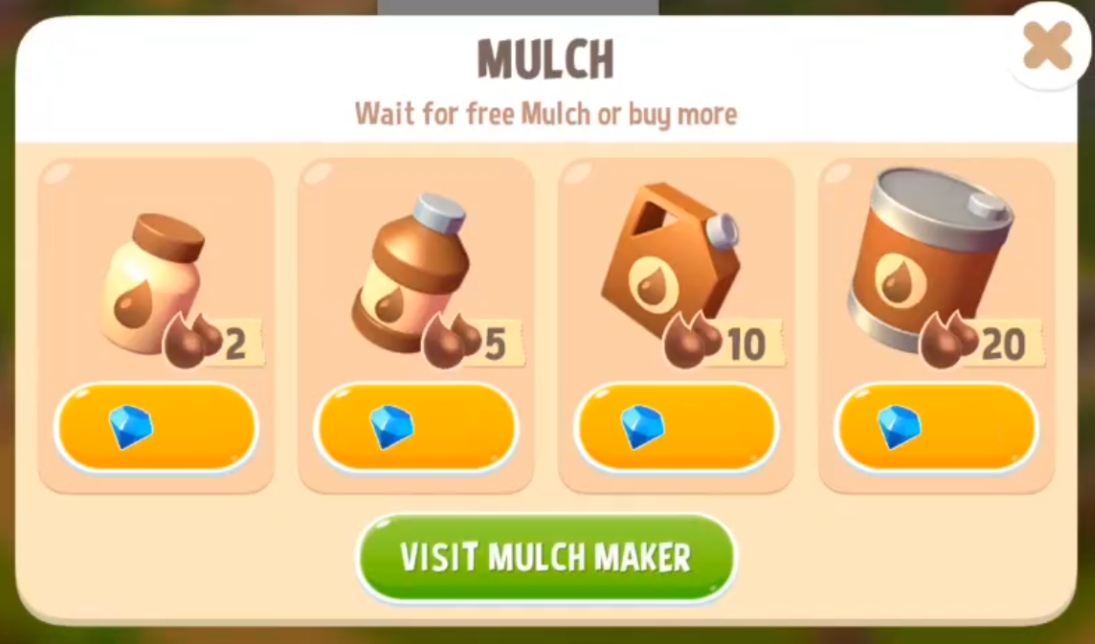
When you run out of Mulch, a pop-up will appear offering to either wait for the free ones to generate or instantly purchase some using Gems.
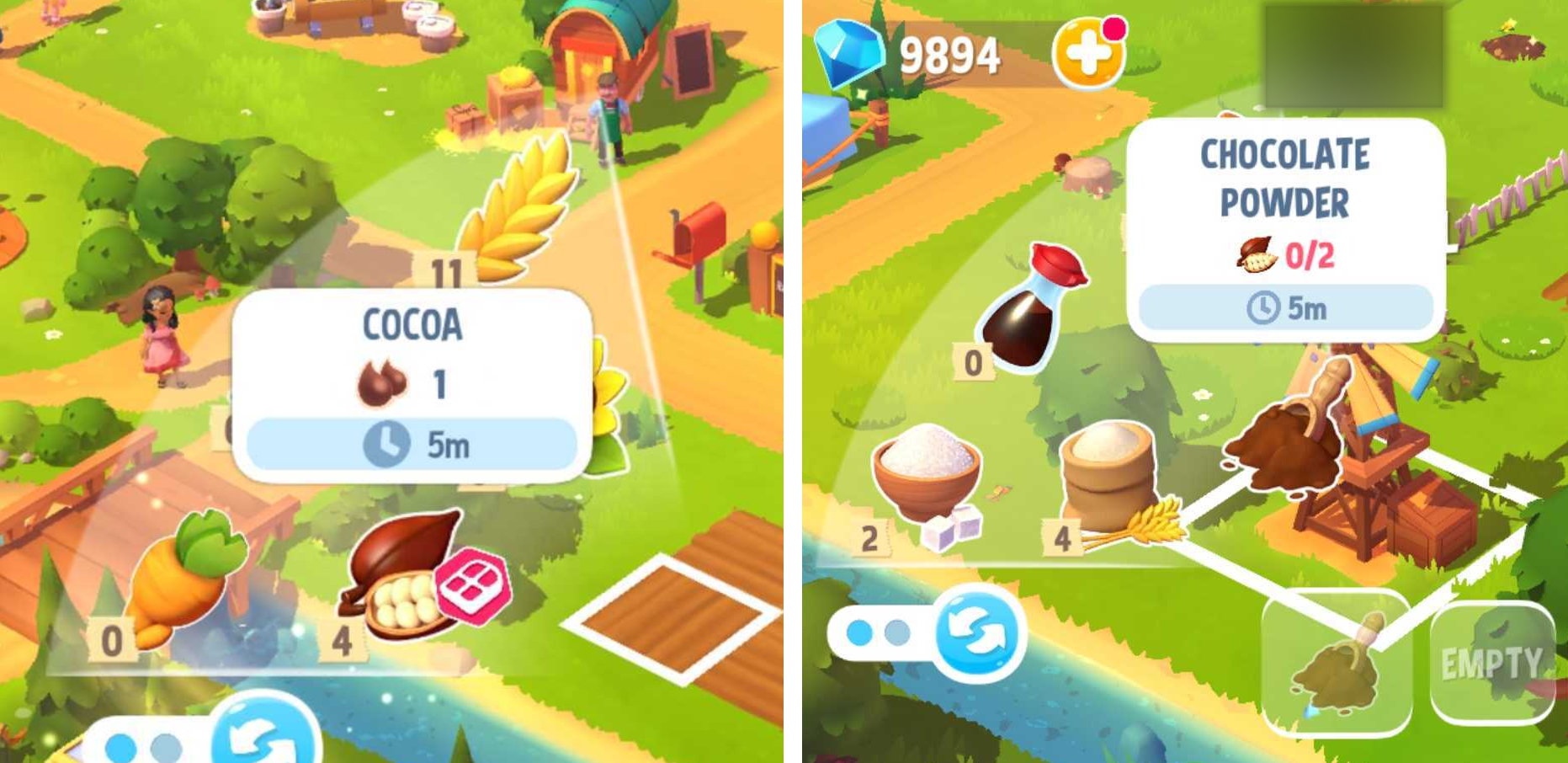
During the Waffle Fiesta event, for example, you will grow a new crop: Cocoa. After planting and harvesting the crops, grind them in the Mill to make Chocolate Powder.
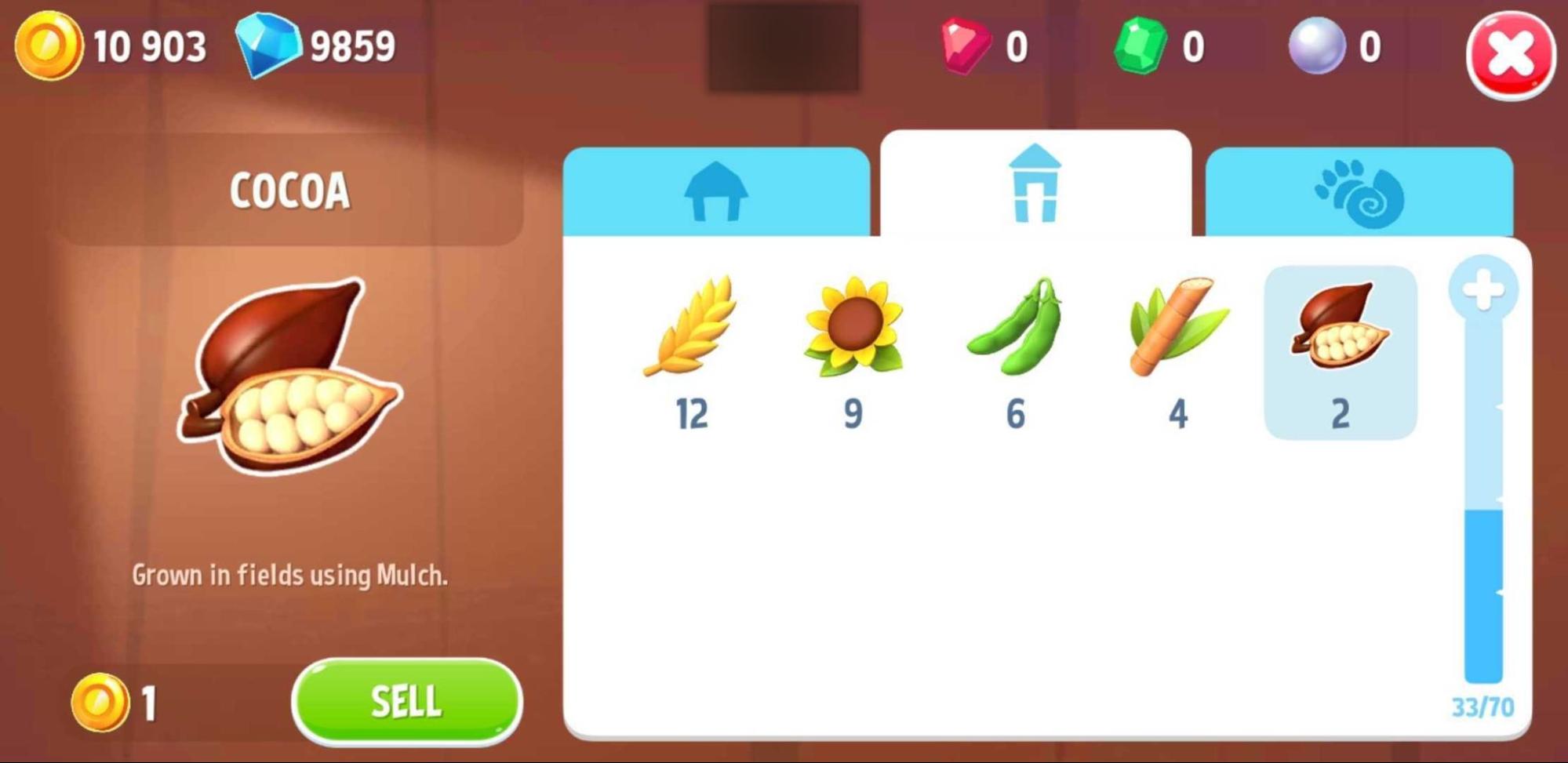
The Cocoas you will not yet use will be stored in the Silo.
Tap on the Serve button to fill an order, and you will earn Event Points.
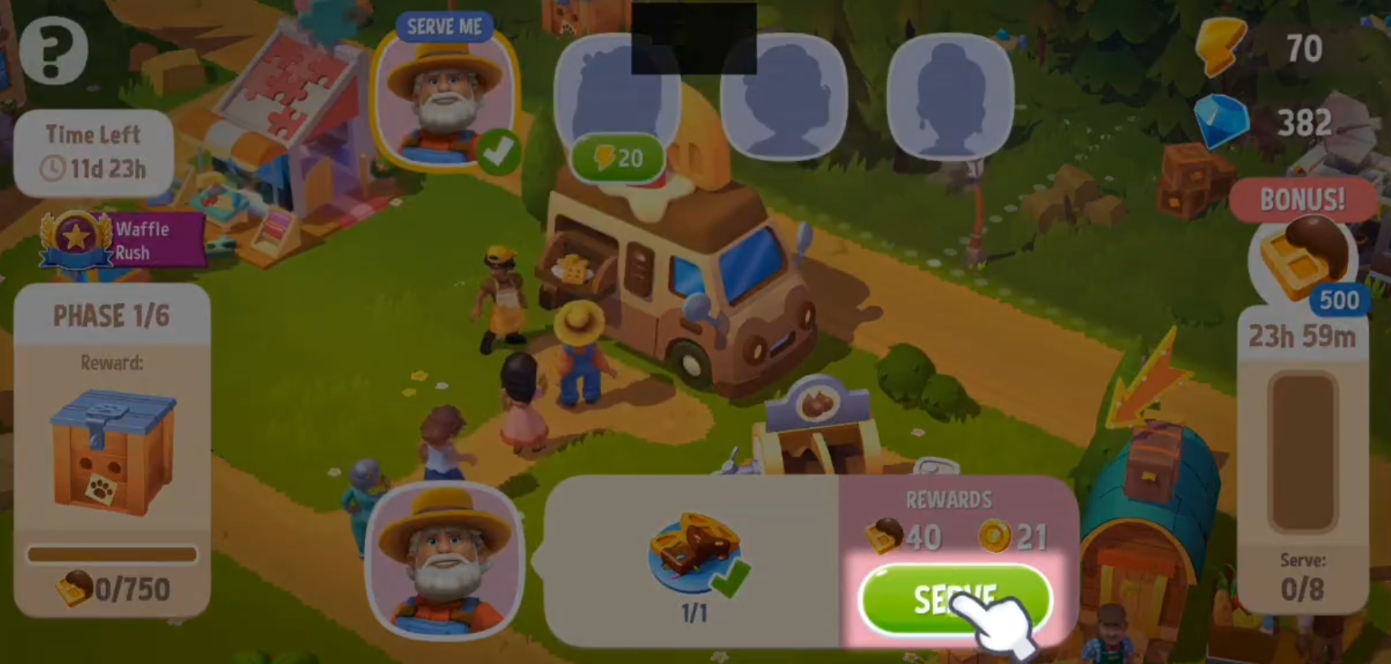
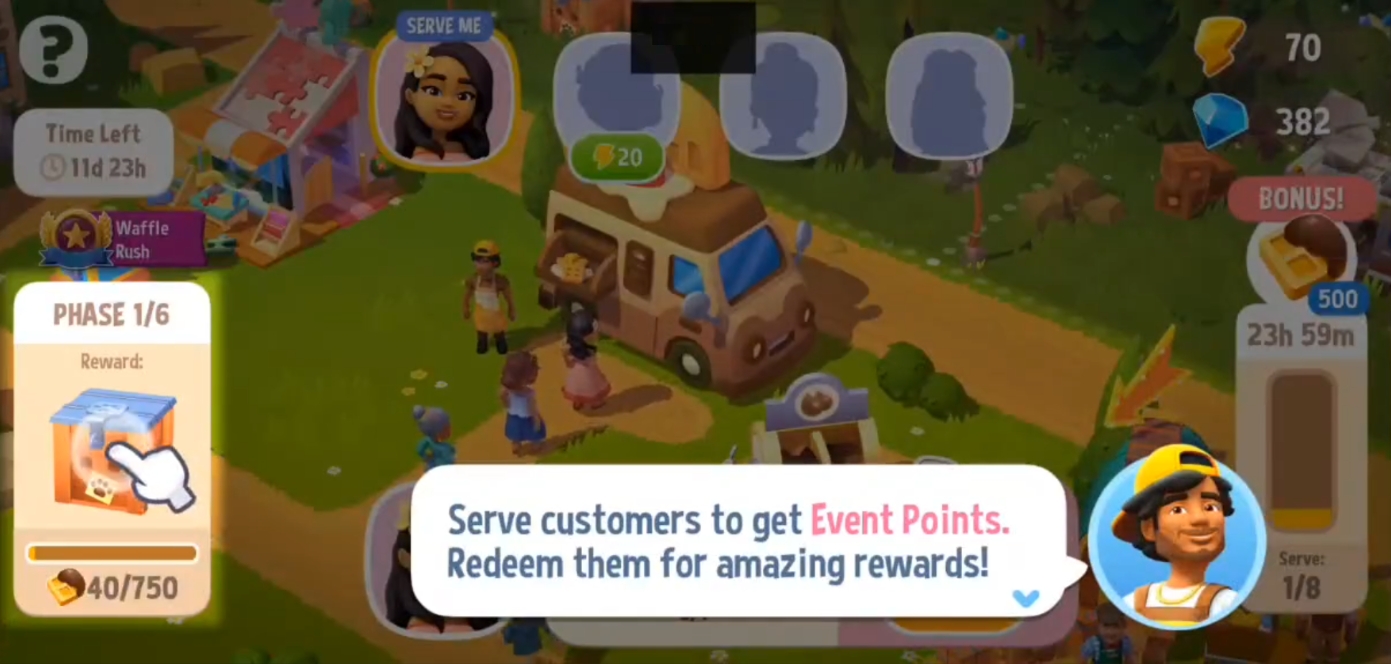
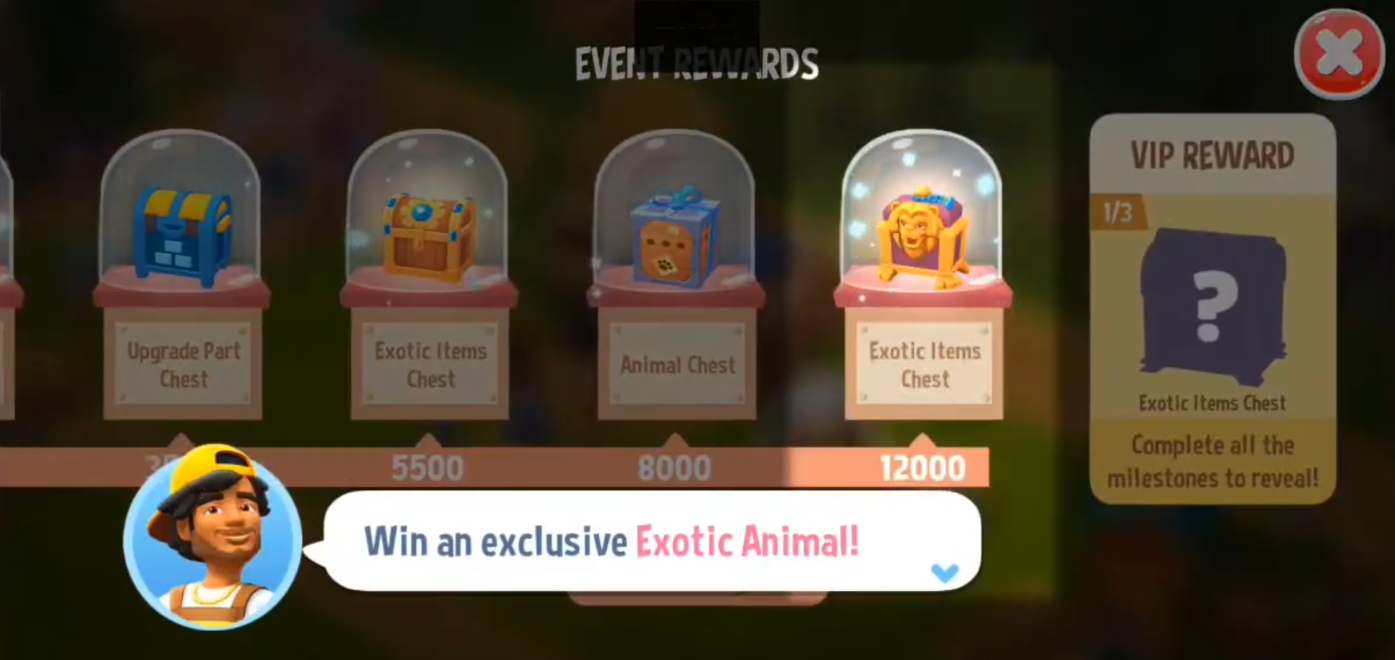
Earn enough Event Points to reach all of the event milestones and claim exclusive Milestone Rewards!
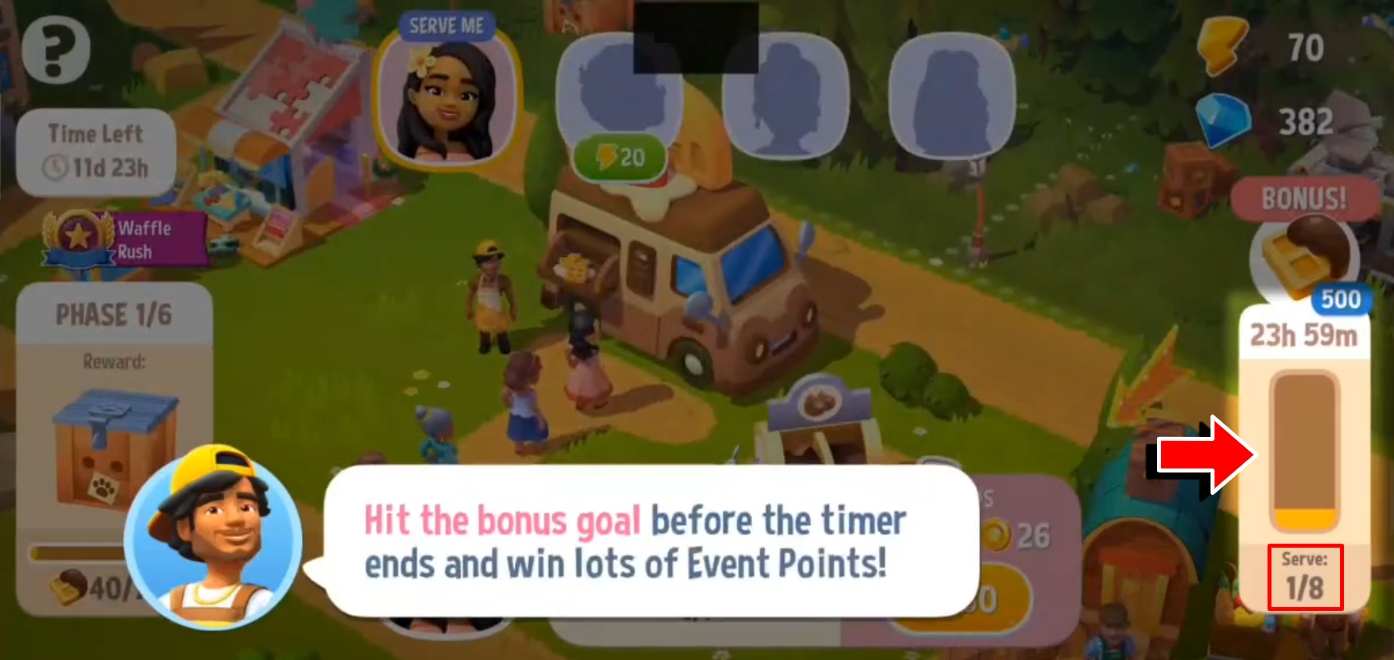
You can earn more Event Points by hitting the bonus goal before the timer runs out.
Waffle Rush
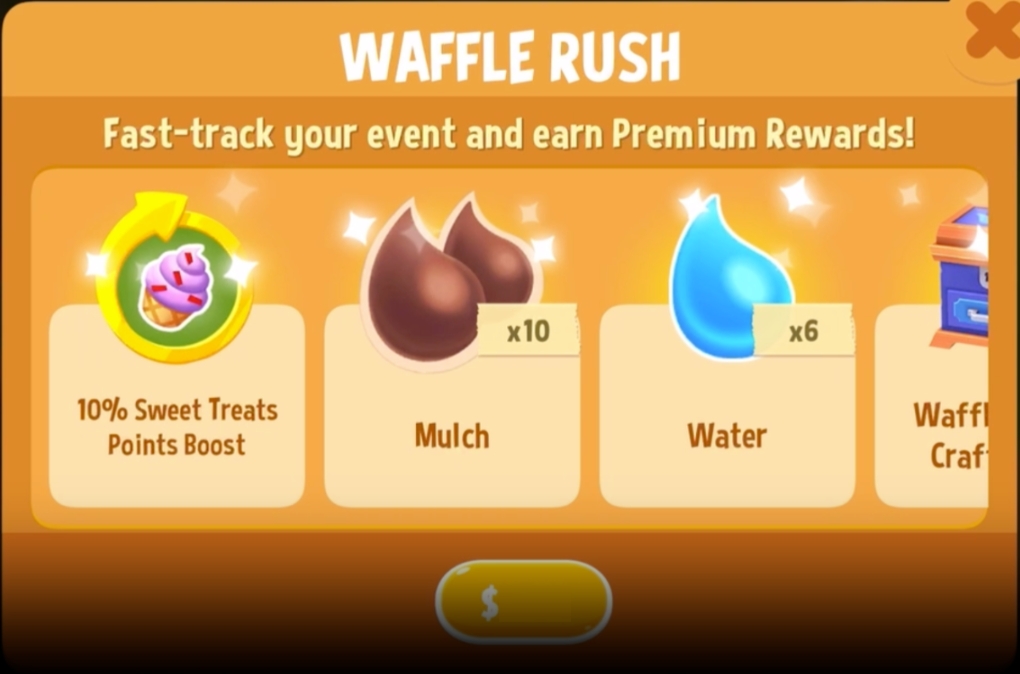
Purchase the Waffle Rush Pass to be more productive and serve more Food Truck customers.
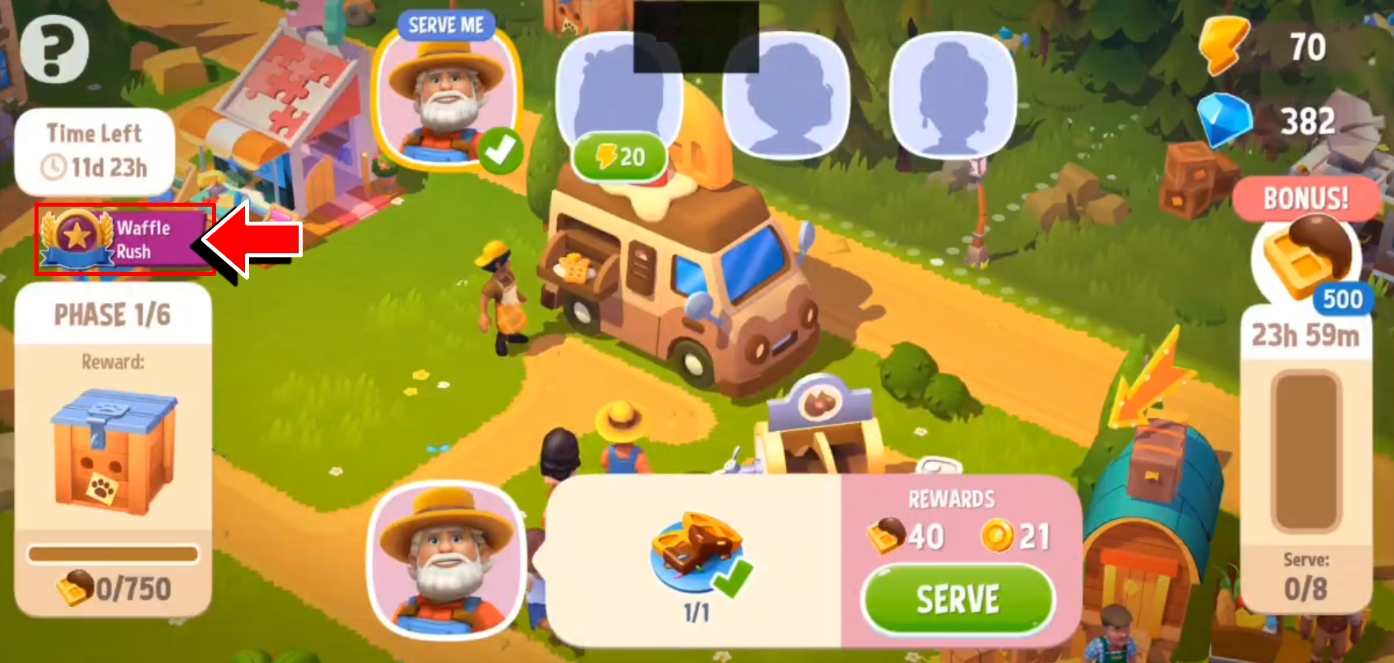
This Pass activates a boost to receive more Waffle Fiesta Points (lasts for the remaining duration of the event) and unlock premium rewards.