
A neighbor can send you gifts and help you with your farm. Aside from your neighbors, other Farmers can also visit your farm via this feature.
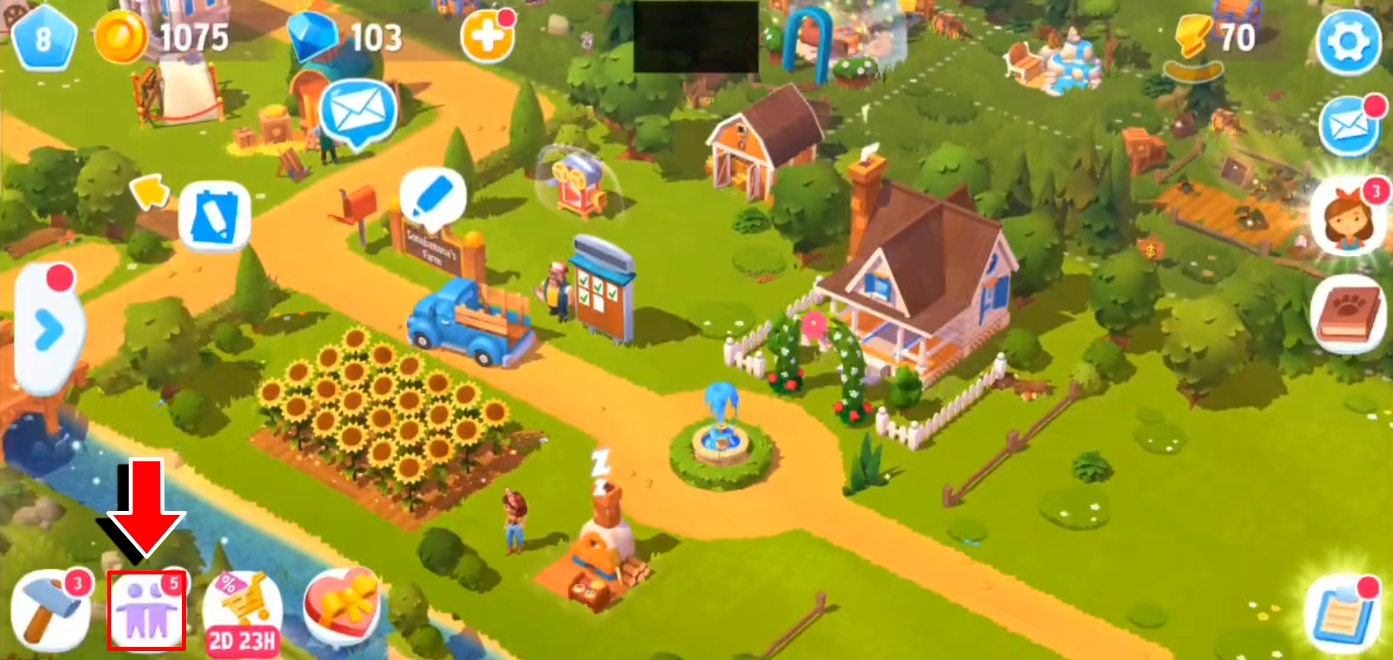
The option to add neighbors is available from Level 8. The Friend button will appear in the bottom-left corner of the game screen.
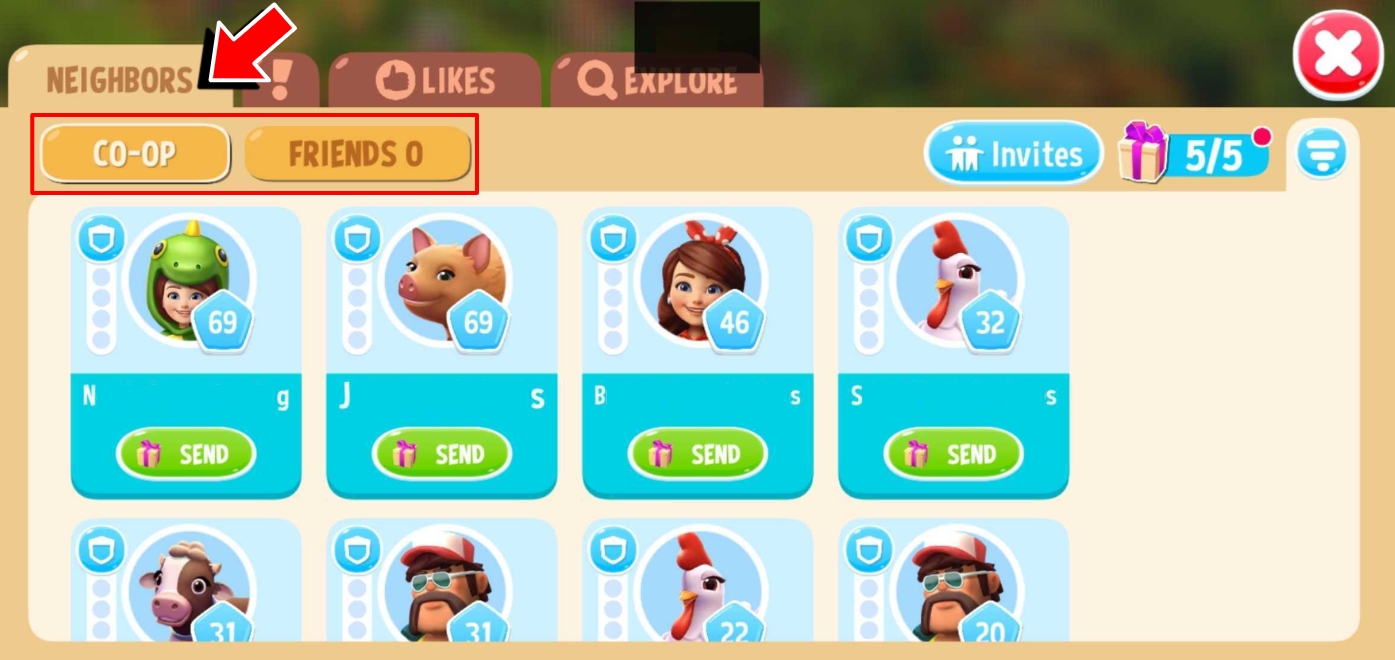
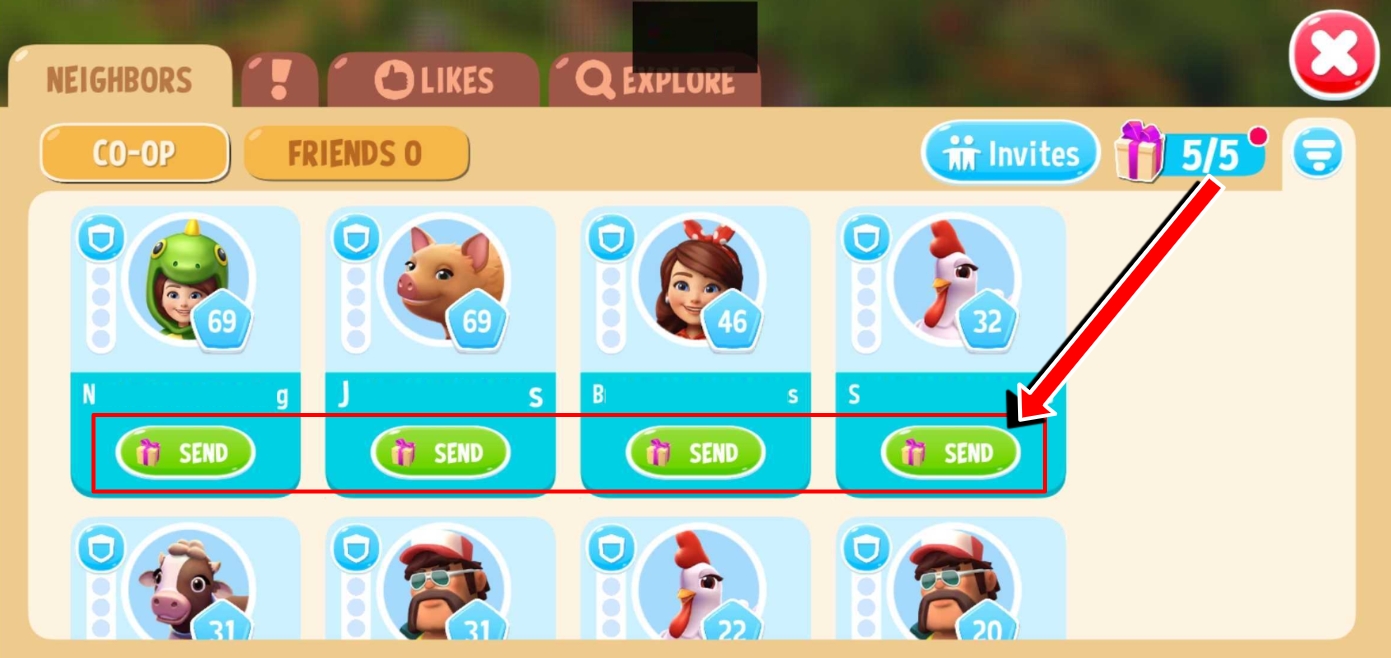
You can find your neighbors in the Neighbors tab, separated in two categories: Co-Op and Friends.
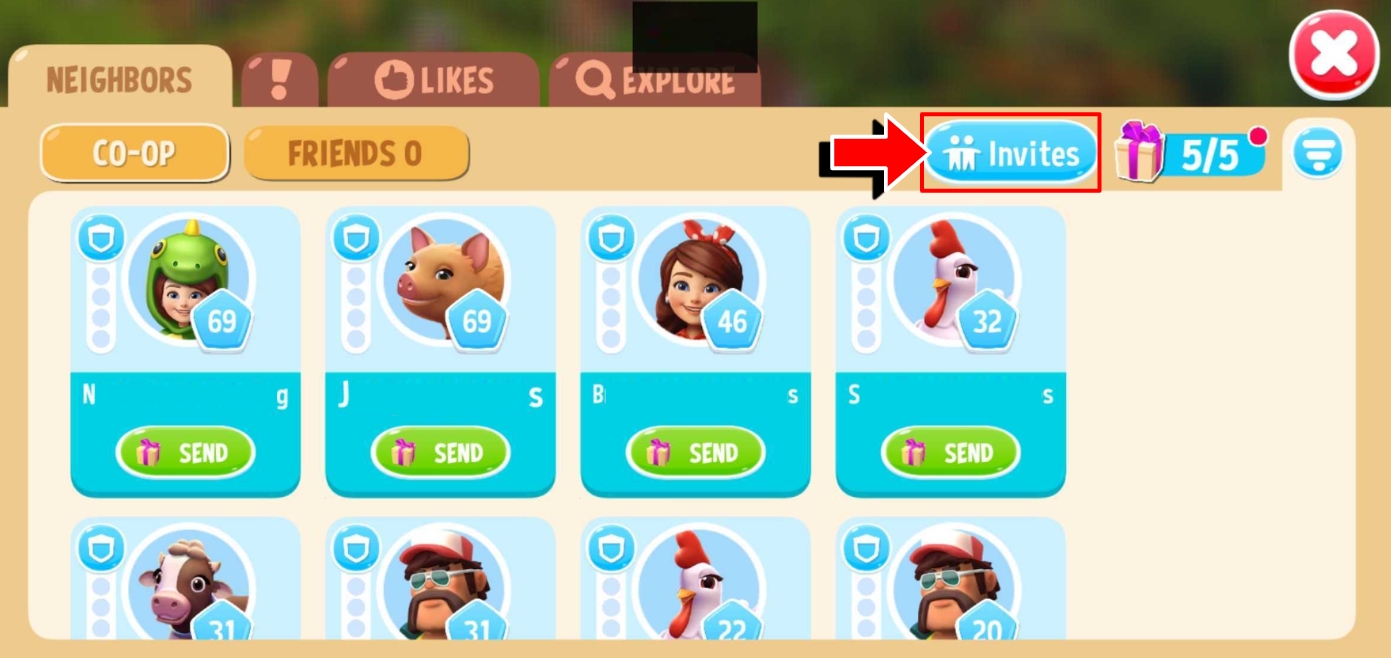
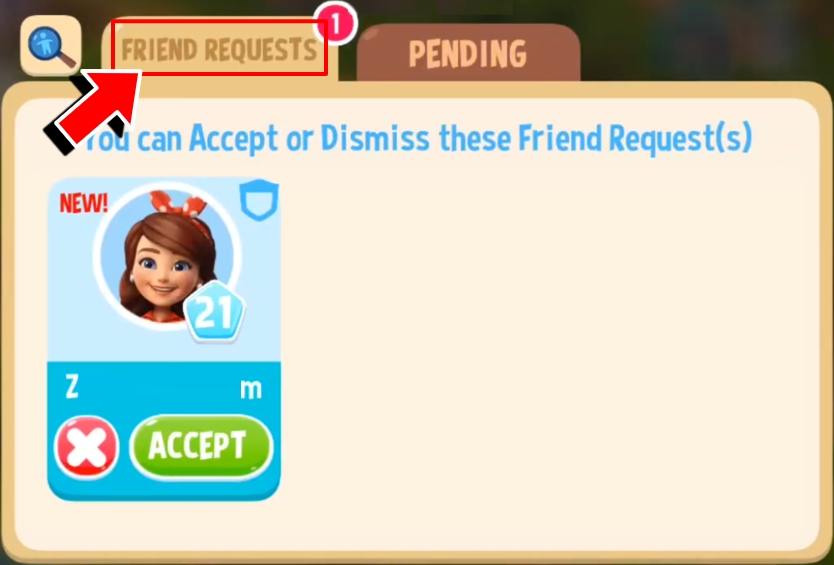
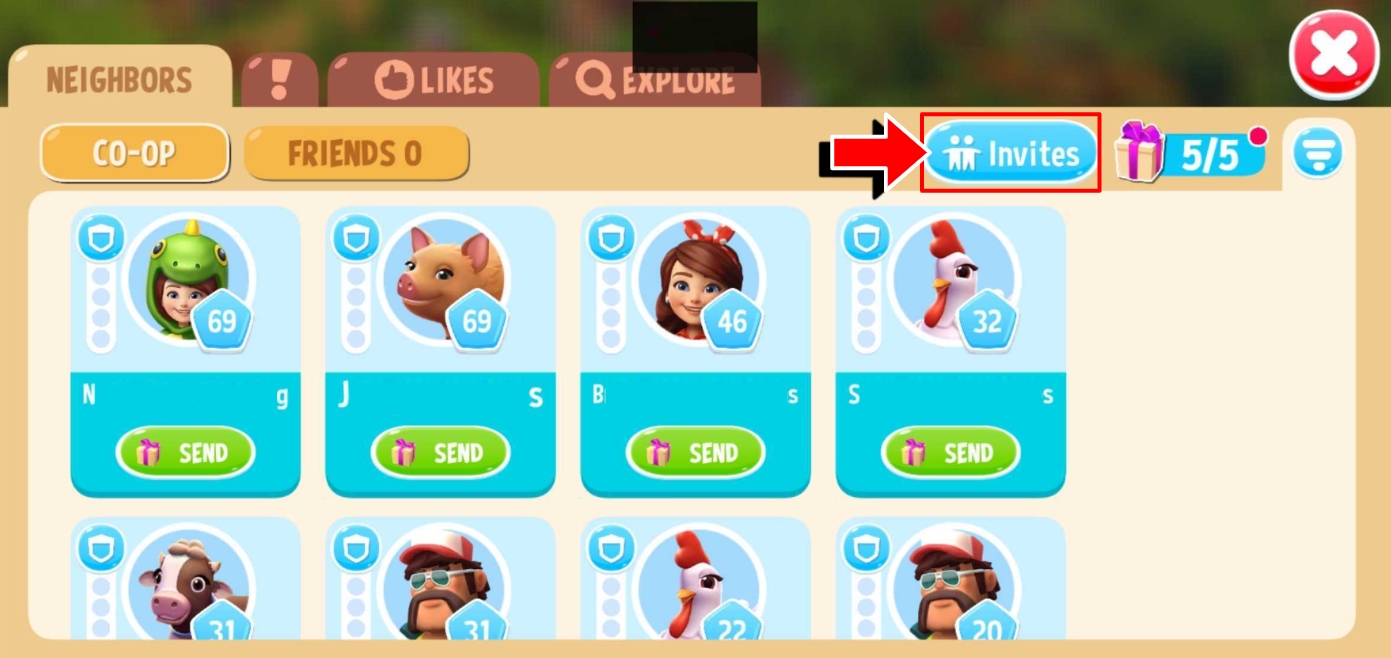
Tap on the Invites button to check for any friend request sent to you by other Farmers.
Sending and receiving gifts from your neighbors and friends is one perk of this feature. Go ahead and send gifts to up to 5 of your neighbors each day. What’s great is, there’s no limit to how many gifts you can receive from your neighbors!
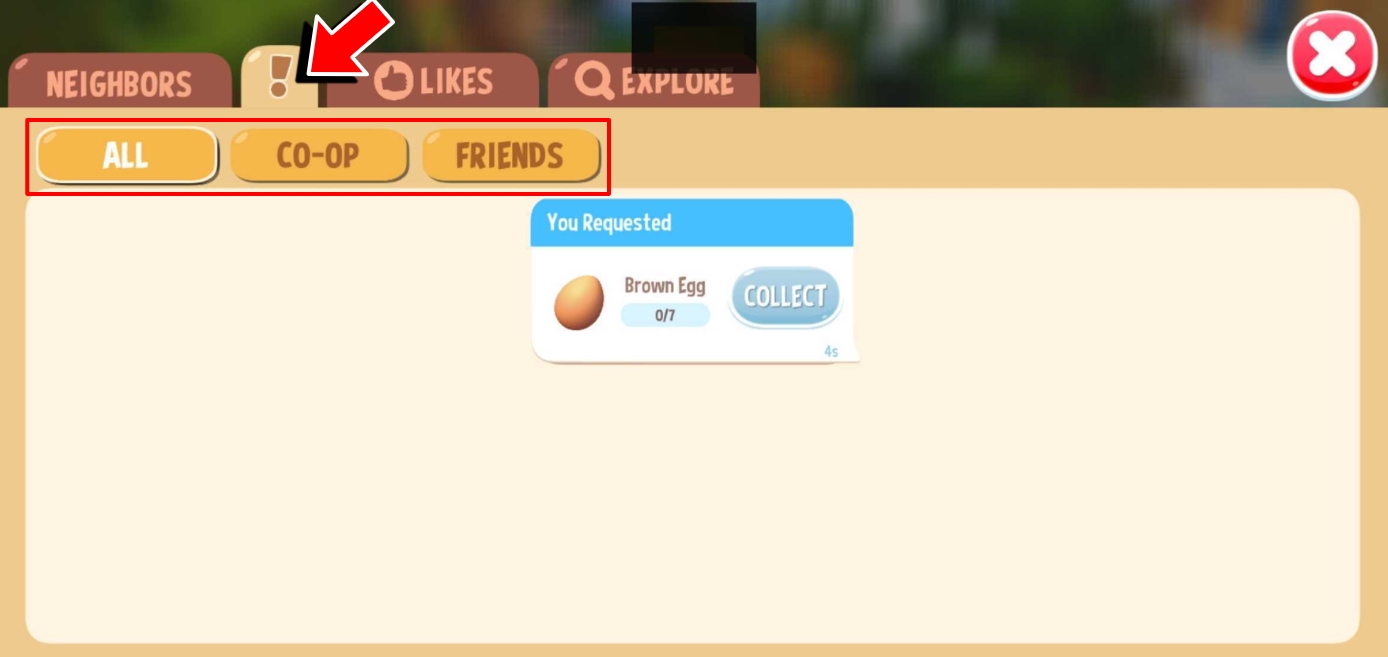
The exclamation point (!) tab shows all available requests from both Co-Op and friends, including your own requests. You can also choose to filter by either Co-Op or Friends.
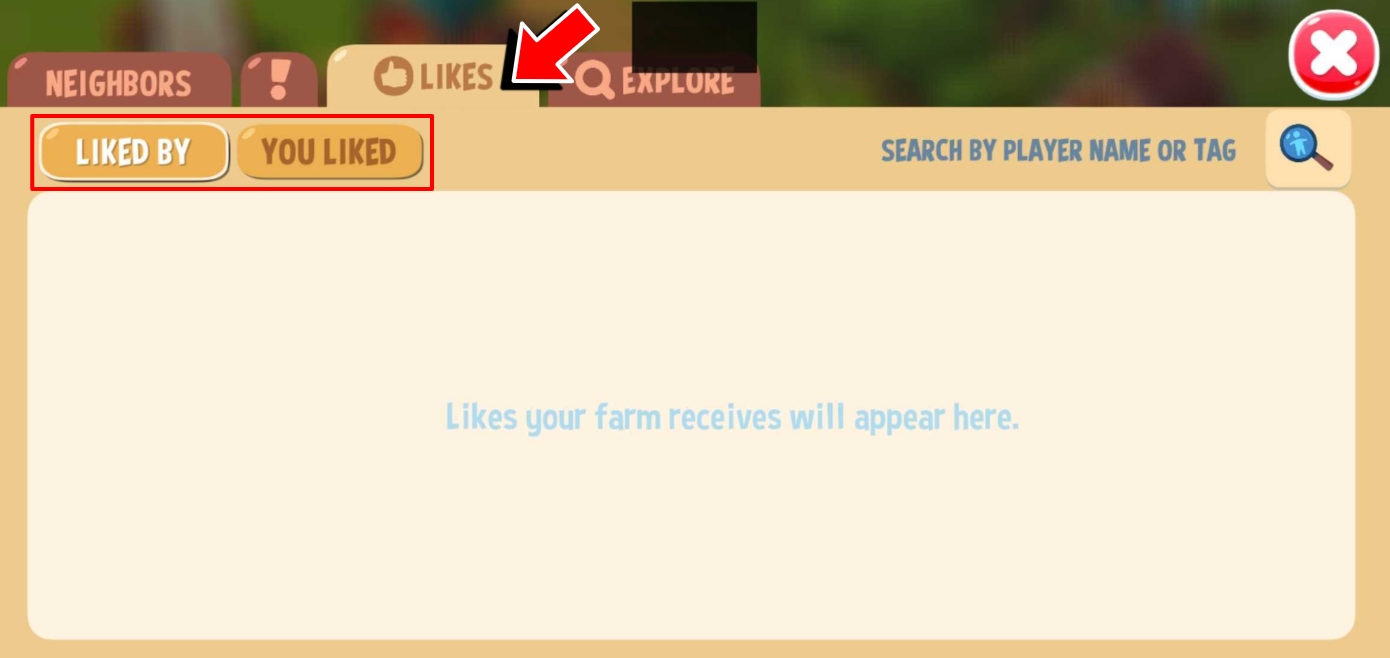
Check the Likes tab to see farm likes you received, as well as farms you liked, switching views via its respective categories.
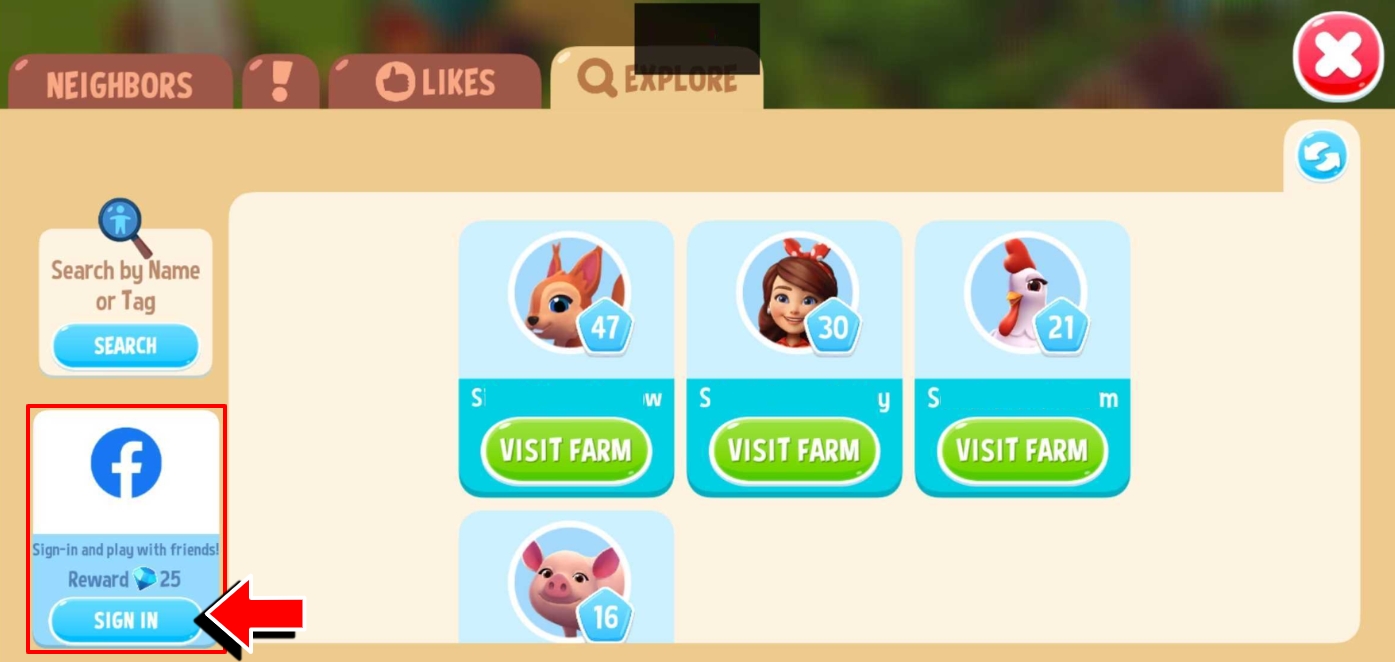
Browse the Explore tab to find random Farmers that you can add as Neighbors.
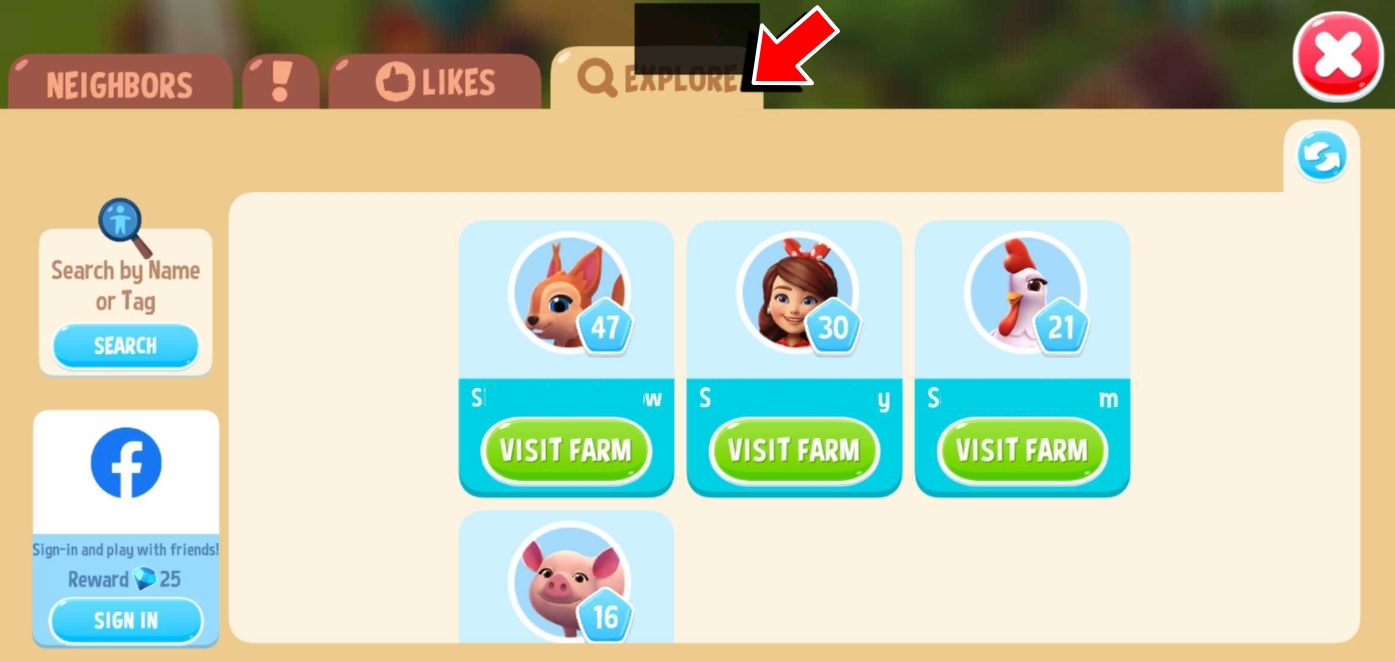
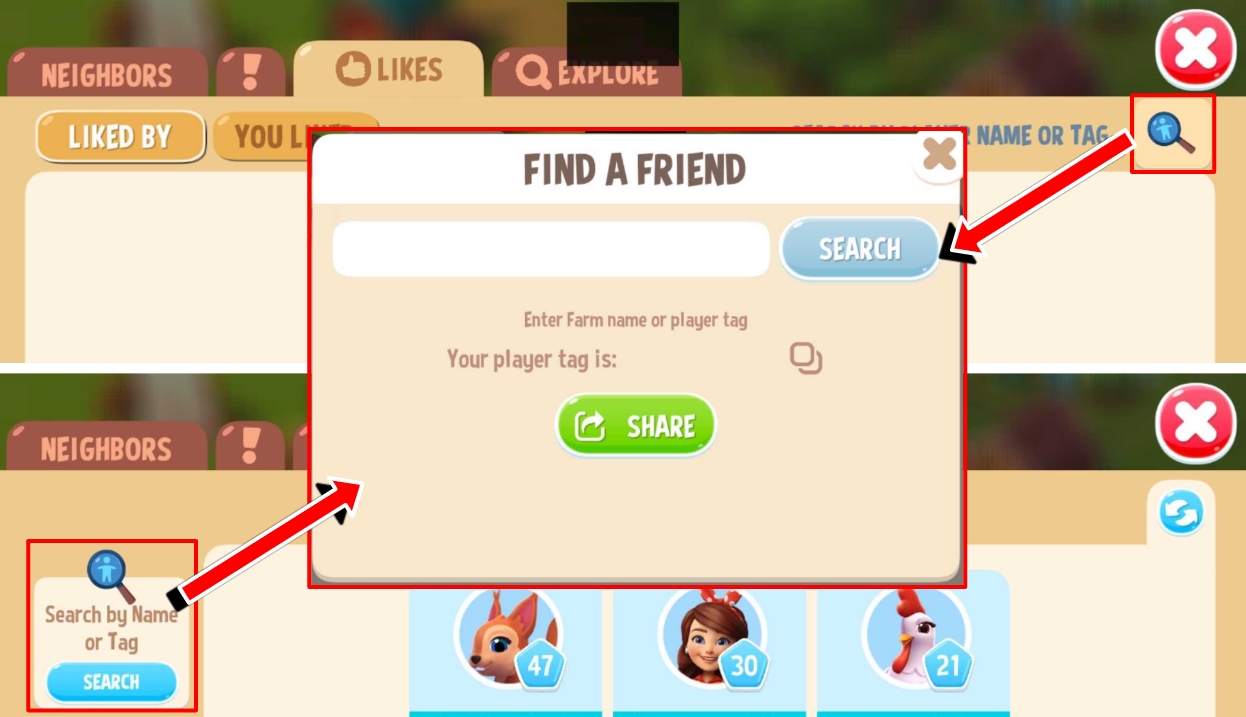
You can also find specific Farmers by name or Player Tag using the Search button found on either the Like or Explore tabs.
You also have the option to connect your game to Facebook and invite your Facebook friends to become one of your neighbors. Connect your game to Facebook for the first time and receive Gems once successful!
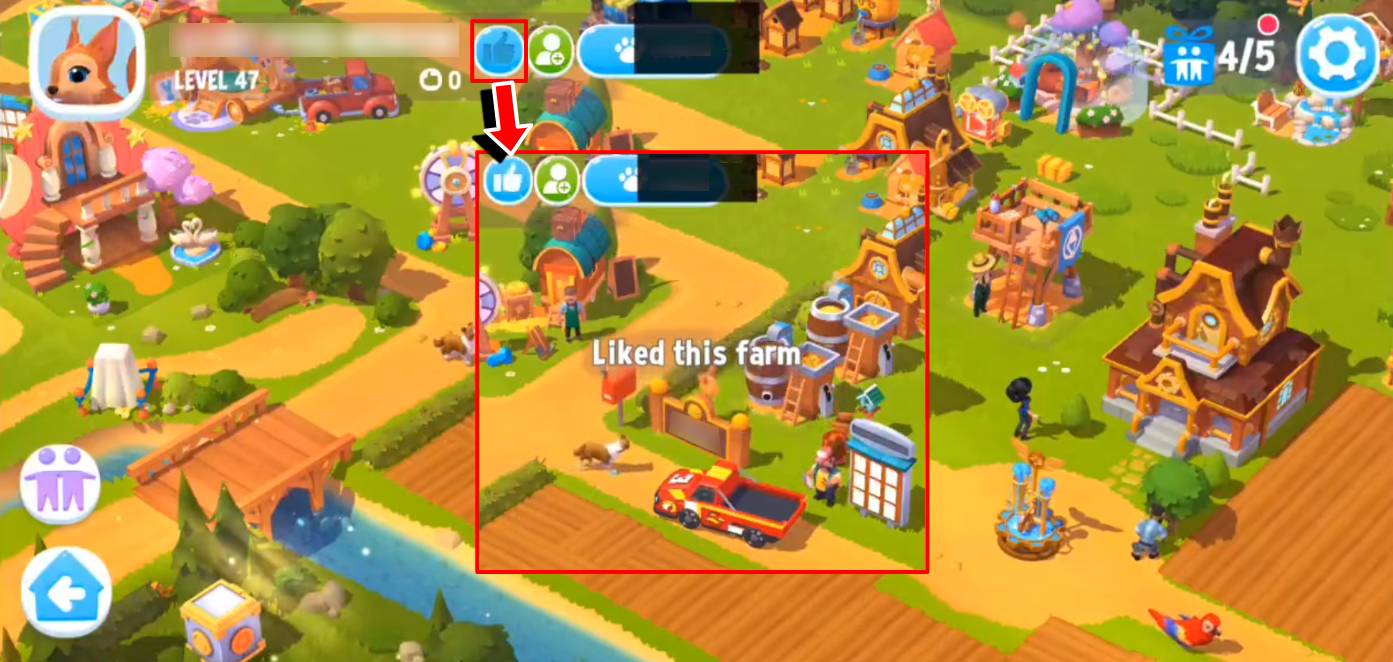
While visiting another farm, you can give them a like by tapping on the Like button.
Tap on the add button, and a confirmation pop-up will appear to add them as your friend/neighbor.
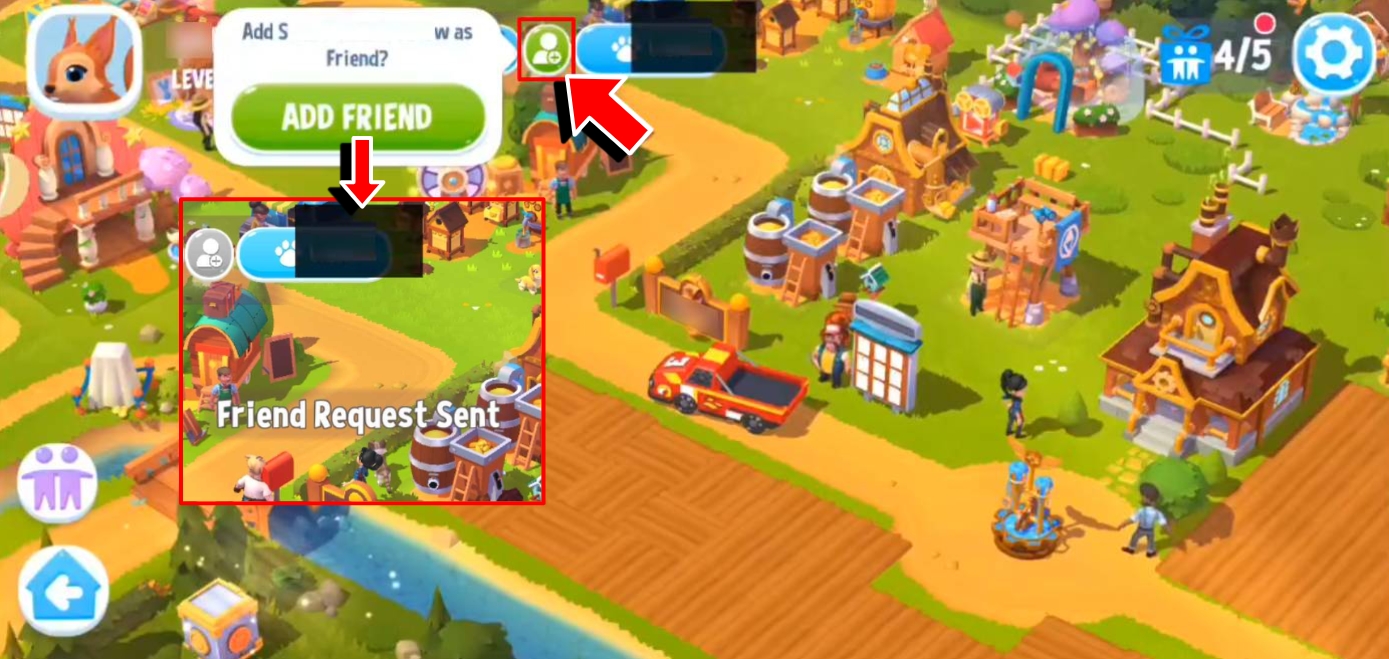
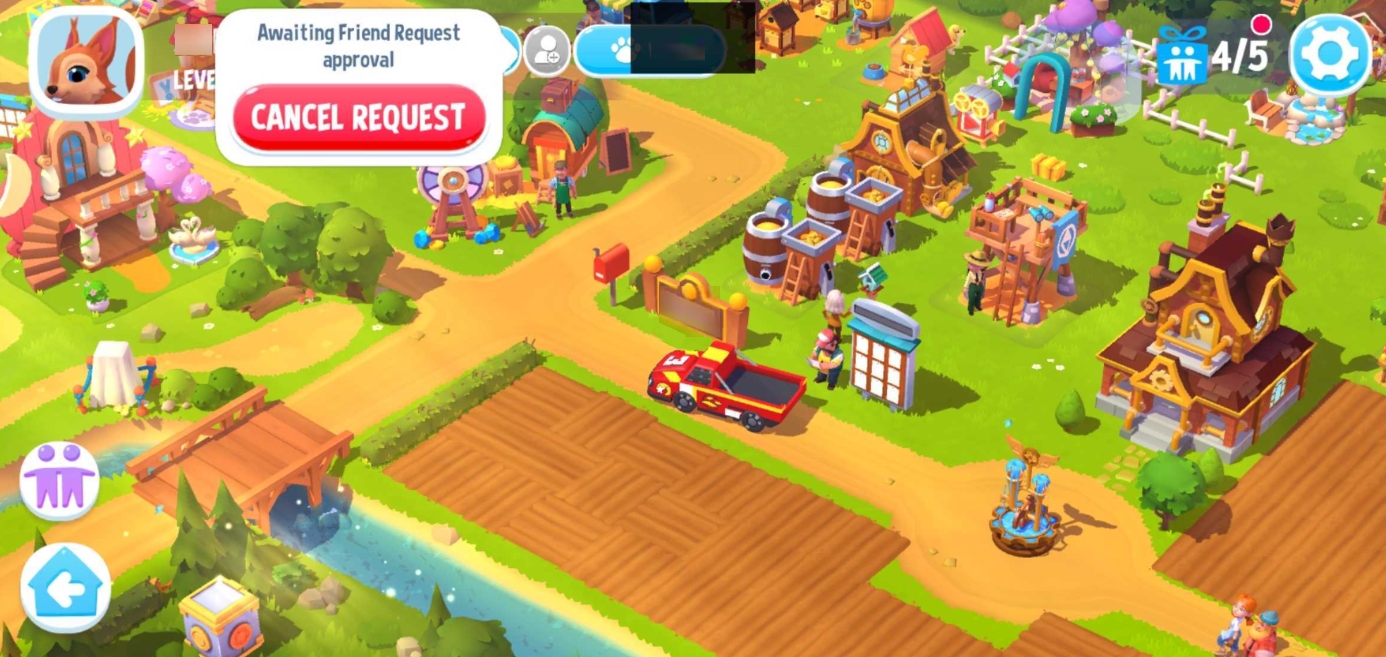
While a request is unconfirmed, you can cancel it anytime.
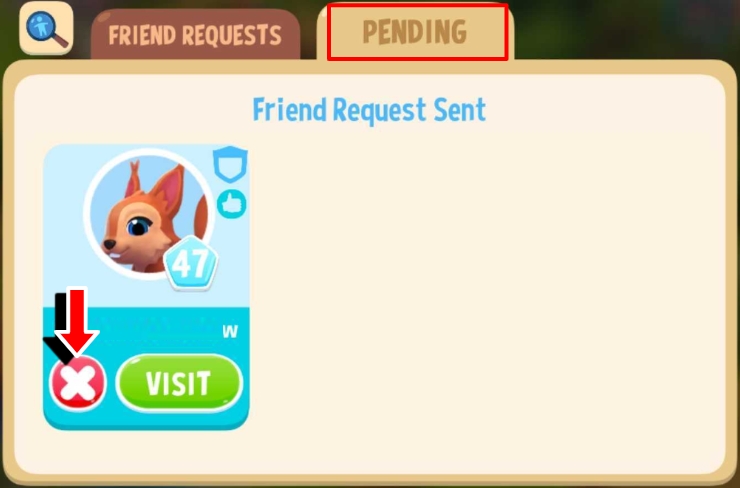
You can also see and cancel any pending requests you have sent by going to Neighbors tab, tap on the Invites button, then tap on the Pending tab.
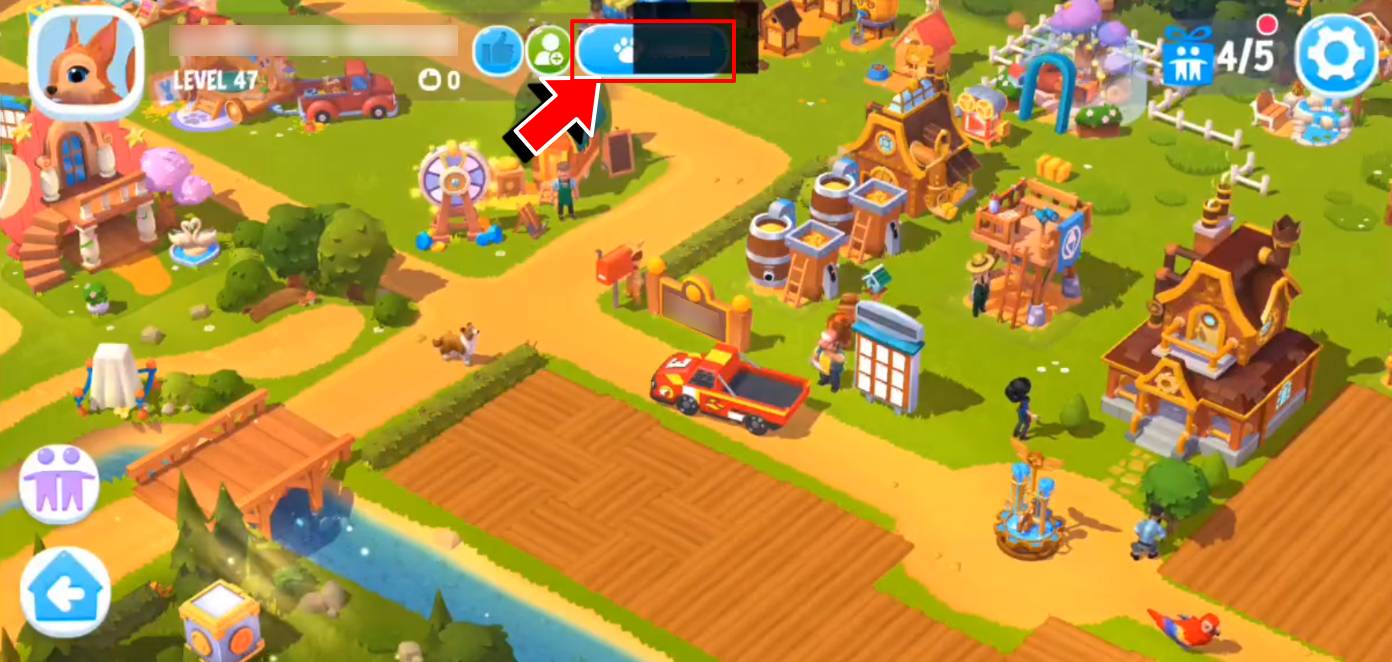
If available, you can also visit their Animal Sanctuary by tapping on the (pawprint) Visit button.
How can I sort my “Co-op and Friends” Neighbors?
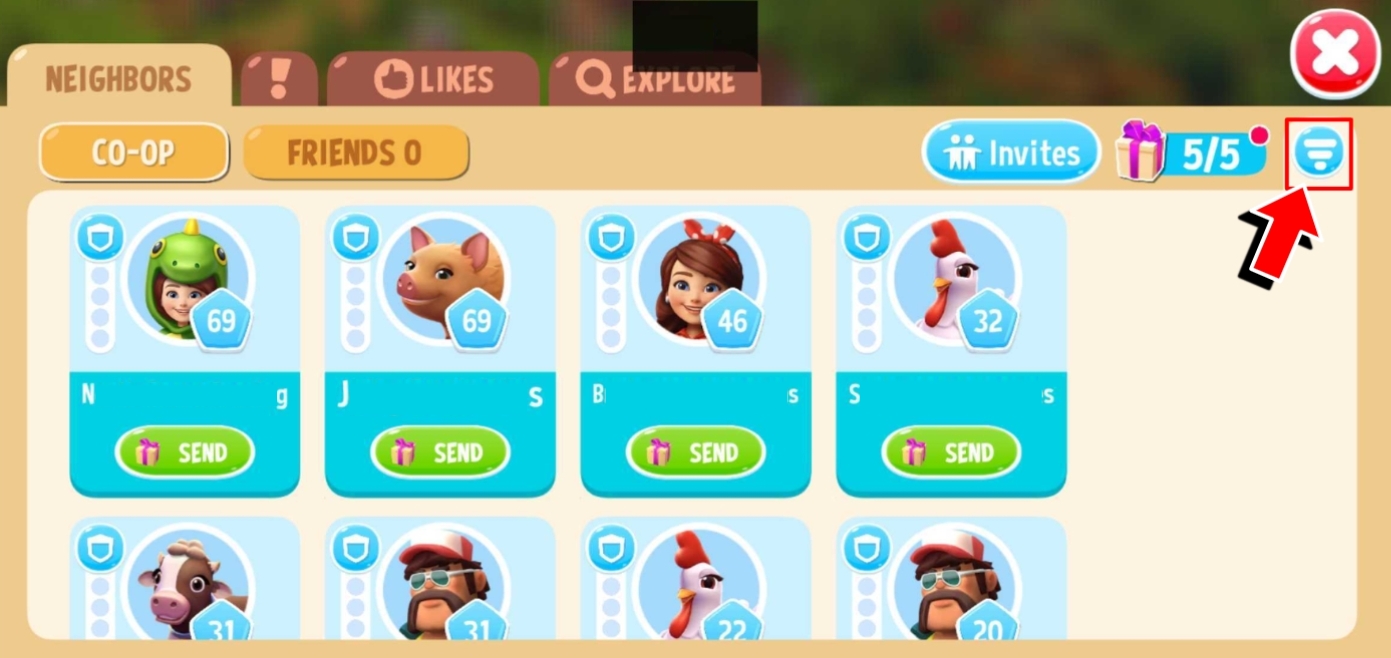
You can sort your Neighbors by tapping on the sort button in the upper-right corner of the Neighbors page, just below the close button. A pop-up dropdown menu will appear with a list of options that you can select.
Sort them by:
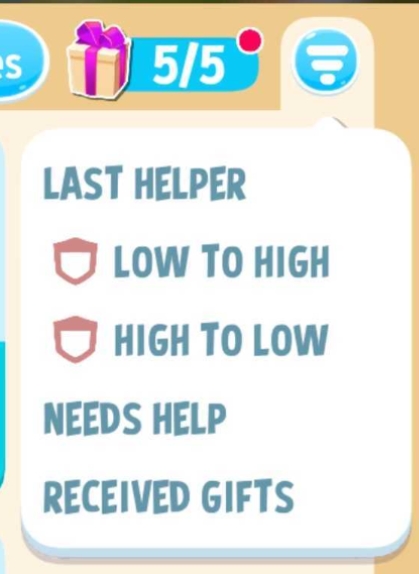
- Last Helper - the last farmer who visited and helped you with your farm
- Low to High - arrange the Neighbors list from the lowest Level to the highest
- High to Low - arrange the Neighbors list from the highest Level to the lowest
- Needs Help - show Neighbors that need your help
- Received Gifts - show Neighbors that have received your gifts